Private Android preview · October 2026
Terrarium
A daily planner where small pieces of work and care bring a village to life. Choose a project, bring a manageable step into Today, and keep an honest record of what happened.
The Android app is in private development. Real-device reliability checks and longer everyday use are still underway. This page is a preview, with no public download available yet.
Read how Terrarium makes room for correctionsOne shared count
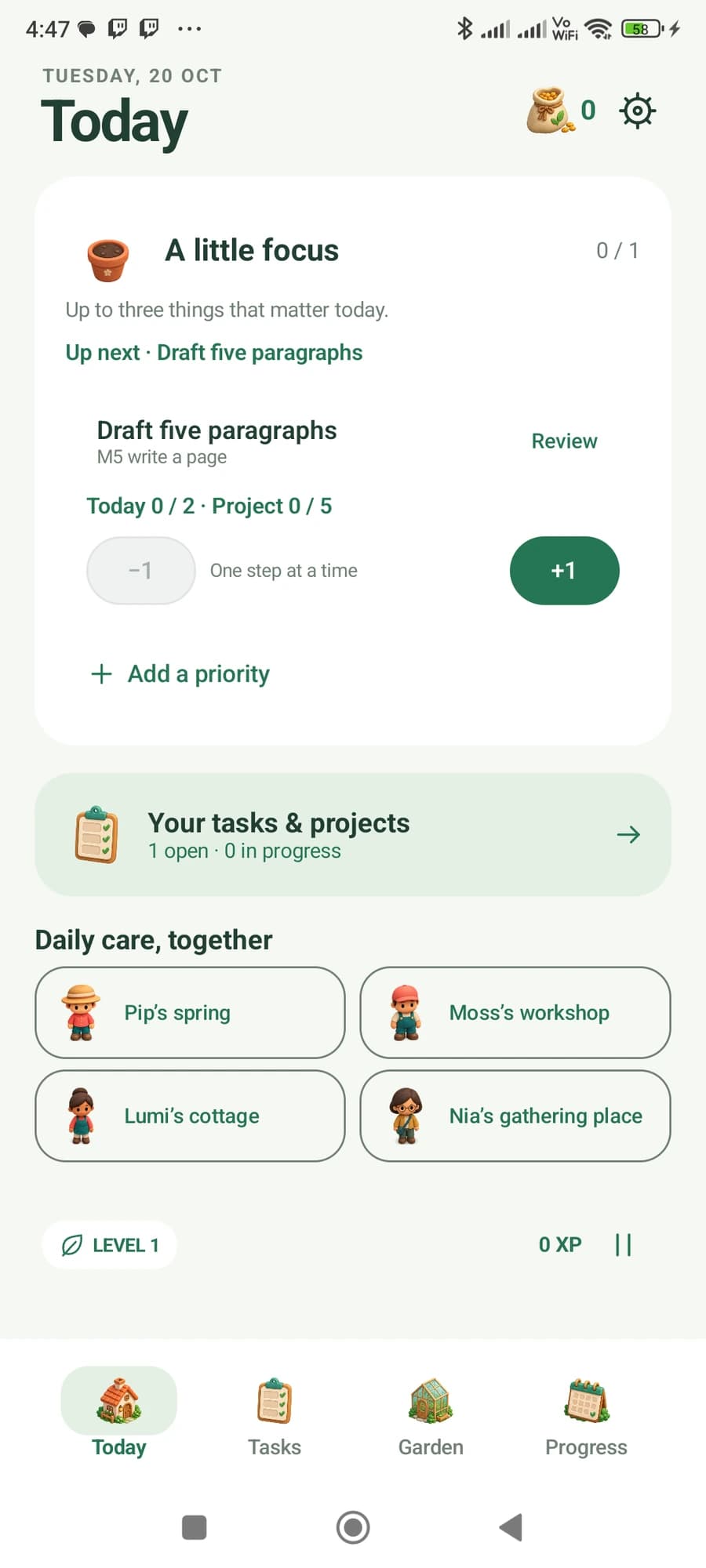
Bring a project step into Today with a daily quantity. Progress recorded from either view updates the same work.
Room to correct
Undo a mistaken count or remove a water entry. The record changes while earned XP, seeds and purchased buildings remain yours.
A growing world
The Garden gives your activity a place to live. The weekly review keeps recorded work, focus and care visible without marking empty days as failures.
Two views. One piece of work.
You planned two posts today in a seven-post project. Record one, then undo it. Watch what changes.
Inside Terrarium.
Real screens. A closer look at what each app does.
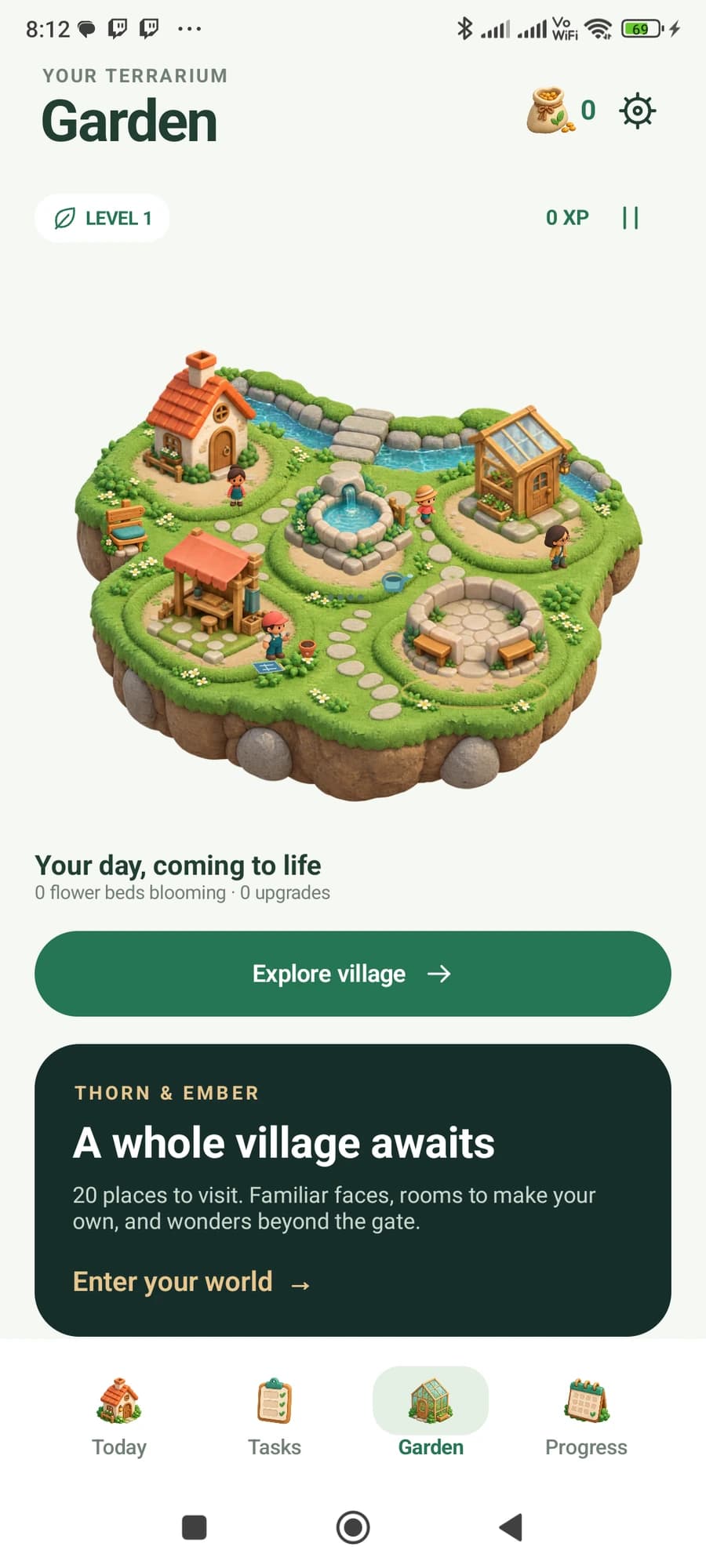
The village
Focus, care and completed work bring a village to life. This is the Garden in the Android development build.
Inside the working app
Real development captures. Select a screenshot to read the build story and its worked example.
Building a tool around a workflow you know well?
Talk to Mad Max Labs