A useful CS2 demo review starts with a question you can answer from the match. Pick one death, inspect the state just before it, watch the lead-in, and write down one decision to test next time.
That is the loop we are building into CS2 Demo Coach, our demo reviewer. The Android private preview imports a .dem or .dem.gz file and analyses it on the phone. The match review connects recorded events, replay controls and saved takeaways.
Here is a worked example from an Ancient demo used during development. The match finished 7–13. We are looking at the selected player's death in round nine, rather than trying to explain the entire loss from a scoreboard.
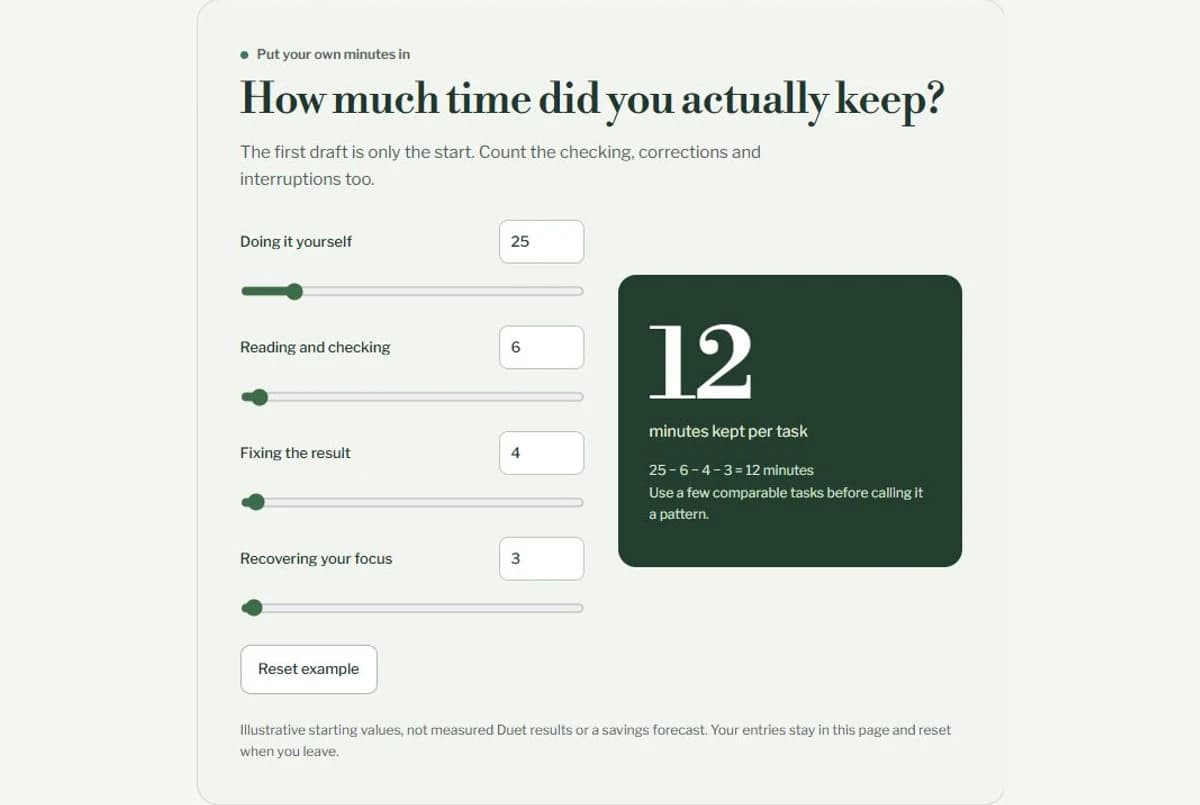
The interactive timeline above uses selected observations from this demo. The app captures below are real: the Ancient review is from 17 October 2026, with a newer Mirage view shown separately.
Start with the state before the death
The death-review overview gives us a much better question than “Why did that duel go badly?”
In this example, the selected player had 17 HP, 62 armour, an AK-47 and 30 rounds in the magazine just before death. Both sides still had five players alive.
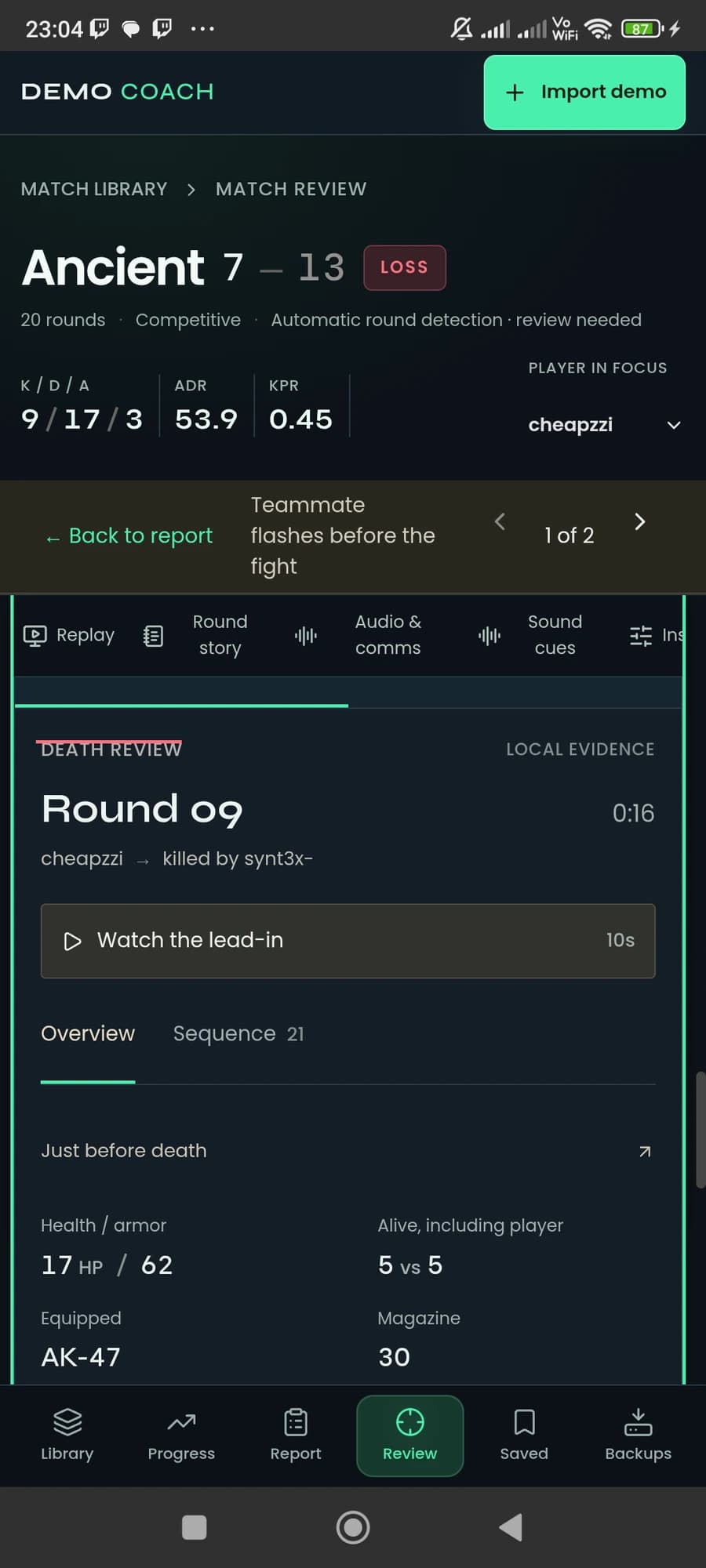
That does not tell us whether the player should have won the fight. It does tell us to investigate how they reached the encounter with so little health. A useful starting question is: what happened before the final shot, and was there an earlier decision worth changing?
The app keeps the distinction between recorded state and sampled replay information visible. An exact pre-death snapshot needs a valid preceding tick in the same round. When that evidence is missing, a nearby display sample should not quietly be presented as exact.
Read the ten seconds before the final shot
The sequence contains damage and flash events as well as changes seen in sampled equipment state. Below is a shortened teaching extract from this actual demo, with times relative to the death.
| Time before death | Recorded observation | Review question |
|---|---|---|
| 5.4 seconds | A teammate flash event affects the selected player; reported duration 3.6 seconds. | What was the flash call and where was the player looking? |
| 4.6 seconds | An enemy HE hit leaves the player at 57 HP. | Where could the player move after the damage? |
| 3.8 to 3.0 seconds | Repeated fire damage reduces health from 49 to 17 HP. | Was there a route out of the damage before the fight? |
| 3.3 seconds | An enemy flash event affects the player; reported duration 5.0 seconds. | How does this overlap with the damage and movement? |
| 2.6, 1.9 and 0.6 seconds | Three more teammate flash events affect the player. | Were movement and flash timing coordinated? |
| At death | An enemy M4A4 hit takes the player to 0 HP. | Which earlier moment is the best one to practise? |
Rows are selected observations, not every event. The fire-damage interval overlaps other rows. Reported flash durations can overlap too; adding them together would not establish total time blind.
The sequence gives us several candidates for review. It does not establish which teammate was at fault, whether a flash was useful overall, or whether a different route would have saved the player.
Watch the lead-in to inspect those questions. Seek back to the HE damage, then the fire damage, then the approach to the fight. Keep the question narrow enough that the replay can help answer it.
Use the map and player view for different questions
An overhead view helps with relative positions and movement. A player view helps you inspect the reconstructed perspective. Neither should turn a distance measurement into a claim about visibility.
A teammate being nearby is not proof that they could see the opponent or trade the kill. Map geometry, timing and the player's attention still matter. When the evidence does not answer a question, the useful output is a question to investigate.
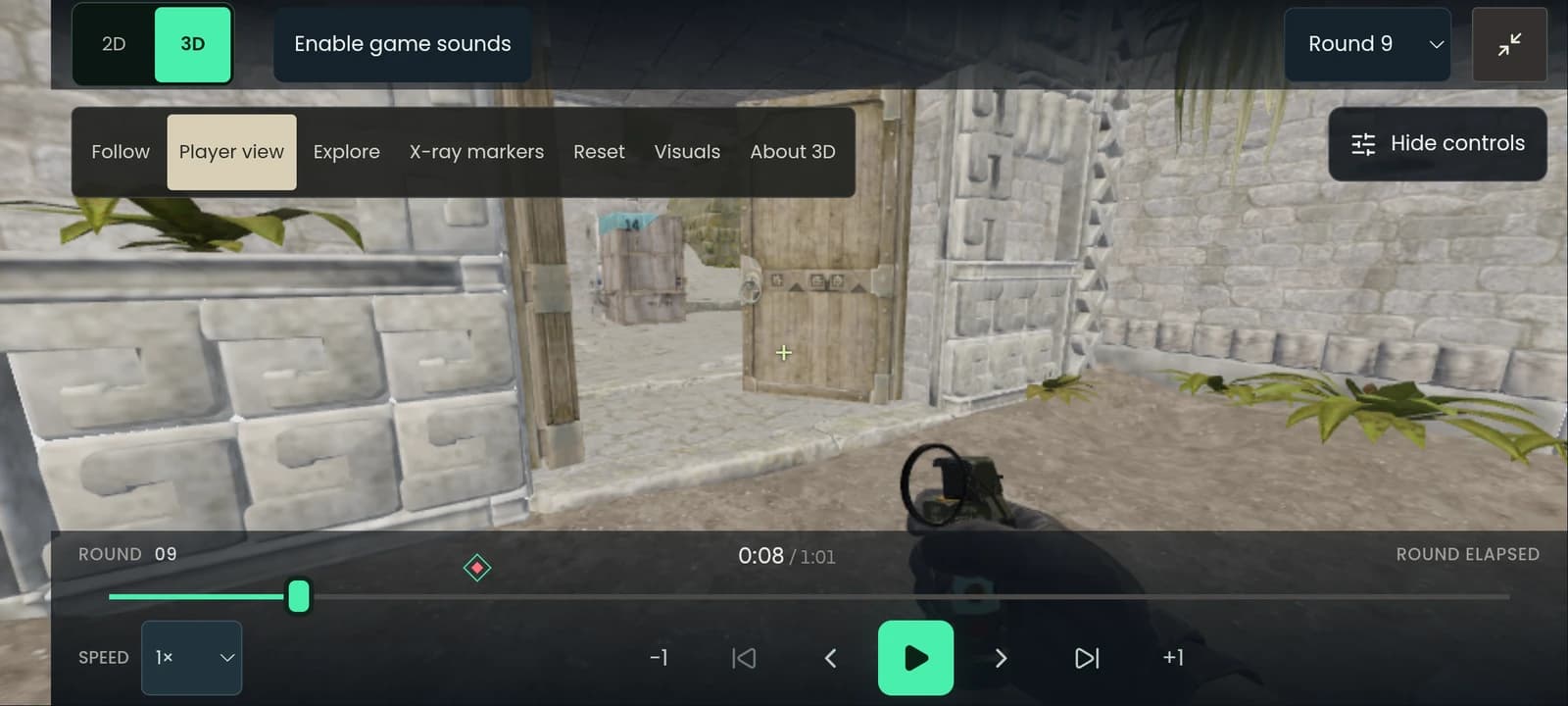
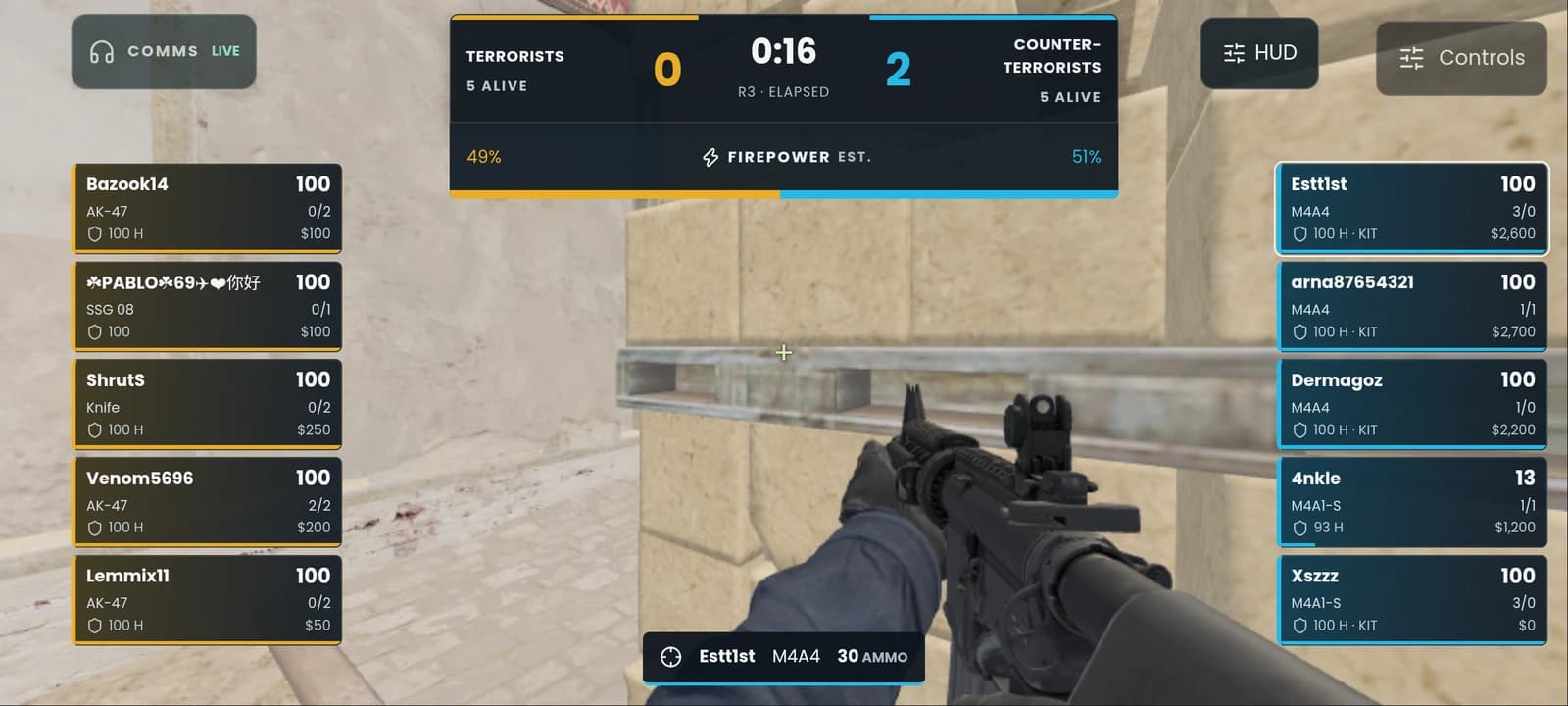
The replay work is still moving. This more recent Mirage capture shows the Android view on 20 October. It comes from a different match and is included to show the current presentation, not as evidence for the Ancient example.
Turn the observation into one practice note
“Improve positioning” is too broad to check after the next match. “My teammates flashed me” records frustration without specifying what to do.
A better note separates what the demo showed from what you intend to test.
This is a proposed practice card, not a measured improvement or a conclusion generated by the demo. The next match supplies the missing evidence.
The app's death-review flow lets a takeaway become a saved note. For a longer exercise, download the practice-card template. It includes space for the round, timestamp, observed events, a hypothesis and the next review.
The review routine we are building for
In the Android preview, start at Import demo, then choose a file or scan Downloads. Open the analysed match. The report's coaching examples can take you to a moment to review; in Review, select a death and open Inspector → Death review for Overview and Sequence.
Use the evidence controls to revisit a recorded moment, or Watch the lead-in for the preceding ten seconds. Save one useful takeaway before moving to another death.
Older saved imports can need the explicit Add death analysis action. Importing the same demo again is not a substitute for that upgrade step. This matters when testing a new analysis feature against a match already in the library.
- Pick a death or a recurring pattern. Write what you want the replay to help explain.
- Read health, equipment and the event sequence. Keep exact recorded state separate from sampled or missing information.
- Inspect the moments before the final fight. Nearby players and utility events are clues, not automatic explanations.
- Write a specific behaviour to try and decide what you will look for in the next comparable rounds.
Tap a box as you go. Checks reset when you leave this page.
CS2 Demo Coach is a private Android preview, with ongoing map, replay and device validation. There is no public download on this page yet. The useful habit is available now: finish a review with a question you have narrowed and an action you can test.
Explore CS2 Demo Coach, or talk to us about building a tool from a workflow you know well.