A finished product video often gets one social post and then disappears into a project folder. The work inside it can be more useful than that: a real interface, a complete customer task and evidence that the product does what the copy says.
To turn it into a search page, start with the question the recording can answer. Then write the parts a short edit leaves out. The result should help someone complete a task or make a product decision, even if they never press play.
We have just used this process for our own Orbit and Ledgerly sites. Here is how we chose the pages, where the recordings needed explanation and what we wired up to measure the next step. These are implementation examples, not a claim that the new pages have already earned rankings or customers.
Choose the question before the headline
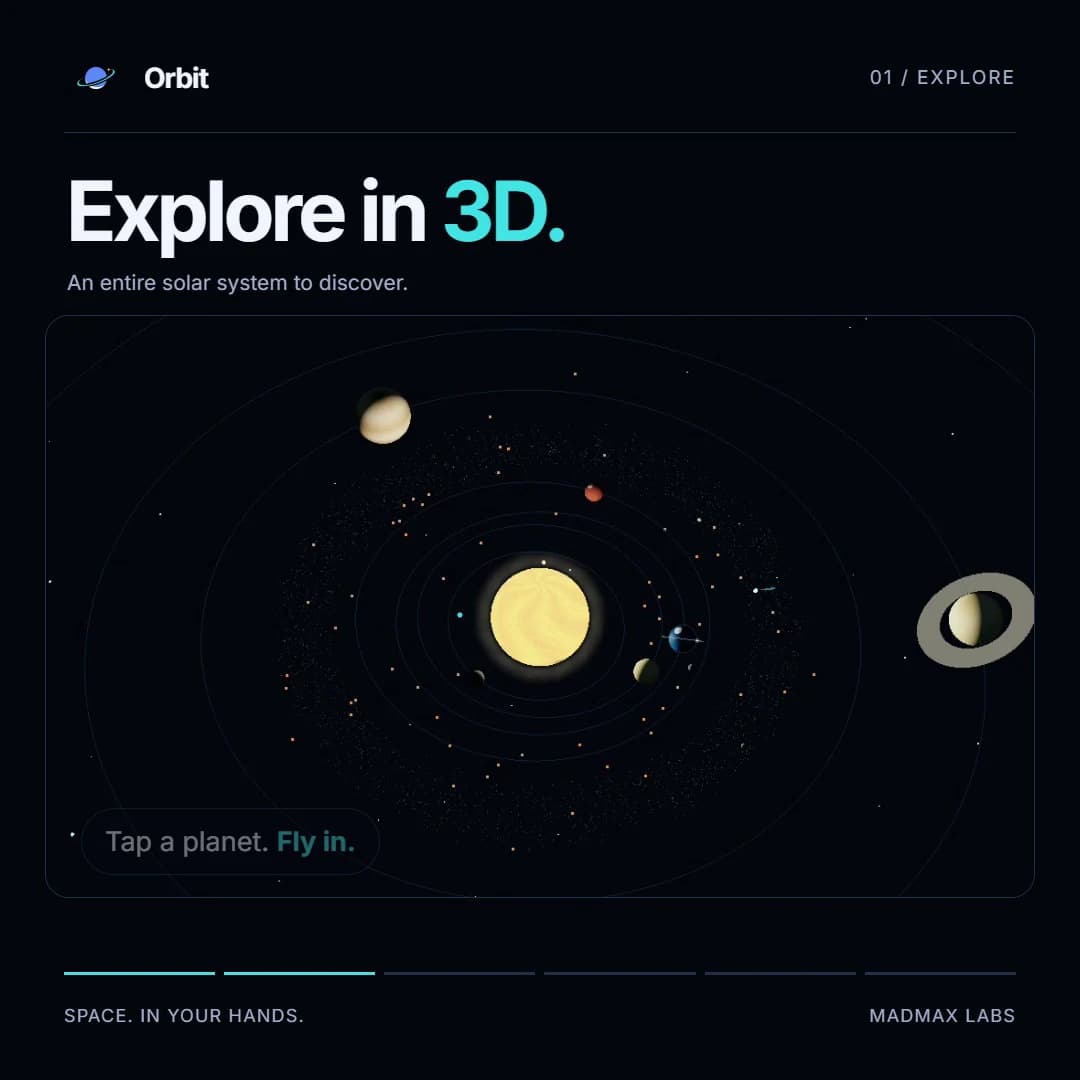
Our Orbit Android promo moves through the solar system, Time Machine, launches and the ISS. Its natural home is an Android app walkthrough: someone who has seen Orbit mentioned can watch it, understand the main screens and decide whether to install.
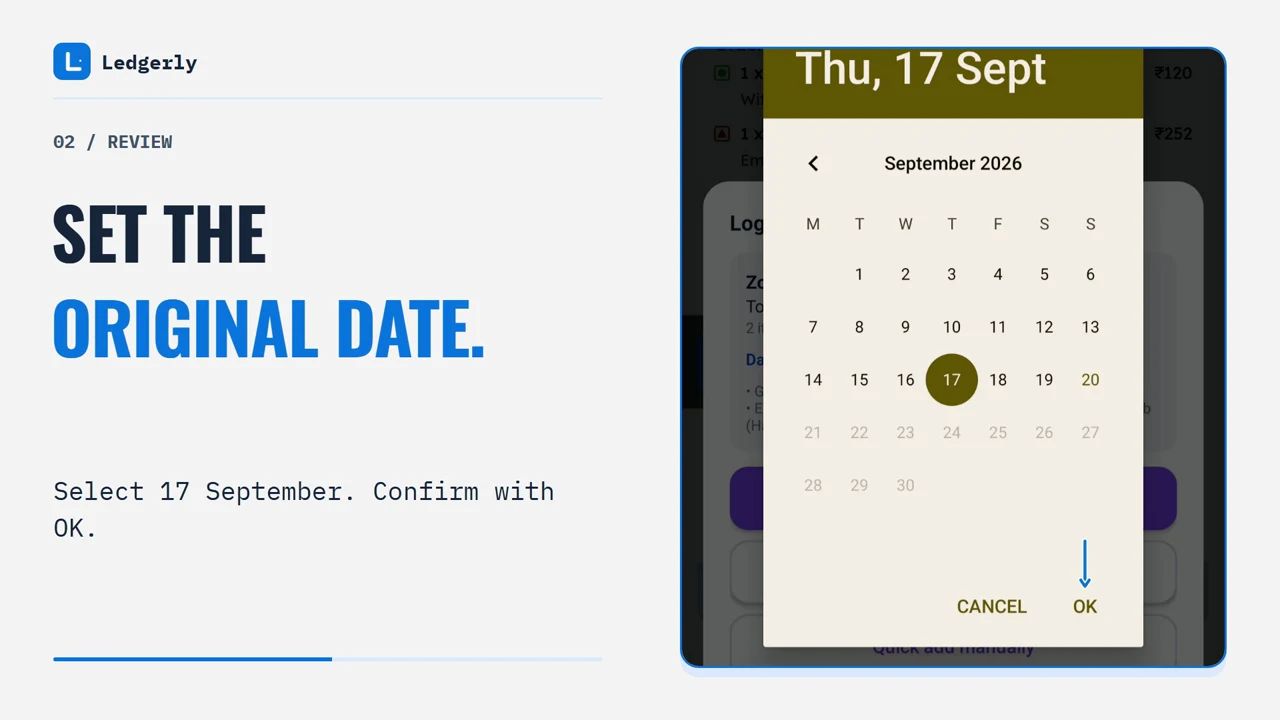
Ledgerly has three separate recordings for Swiggy, Zomato and Instamart. The useful question is broader than any one clip: how do I keep the items and fees behind a food or grocery payment? We put the three recordings in one worked guide, with the date corrections and merchant-specific steps beside each one.
Orbit for Mac answers a different buying question: what does a live sky wallpaper actually do during a workday? Its wallpaper walkthrough explains the city, direction, normal update cadence and ISS preview. It links to the paid Mac version, while the Android tour links to Google Play.
Those are three reader jobs. Publishing a separate article for every export size would have added pages without adding another answer.
Check which export is actually ready to publish
Video folders collect first drafts, corrected versions, raw captures and final deliveries. The newest filename is a clue, but the acceptance and production notes are better evidence.
For Ledgerly, the production records identify the accepted merchant exports and the masked derivatives. They also explain a corrected ending where an interface button had obscured part of a bill. That is the kind of detail a quick filename search misses.
Before putting a recording on a public page, check the complete export for private addresses, phone numbers, customer records and anything visible in notification banners. Keep source recordings and database backups out of the website. A clean opening frame says nothing about a private detail halfway through a scroll.
Record the source export, its version and the public destination in the content handoff. If a product changes later, the next editor can identify which page and video need attention.
Write the explanation around the evidence
Short videos skip context to keep moving. Articles have room to restore it.
In the Ledgerly recordings, two historical orders need their dates corrected manually. The guide explains that step directly. Calling the feature “automatic order history import” would promise more than the footage demonstrates. The useful instruction is to compare the preview with the merchant's bill, correct the date and inspect the saved result.
Orbit's promo contains a launch countdown and ISS information from September. The article labels that recording date and sends readers into the app for current values. A countdown is especially easy to misread when a video plays inside a newly dated article.
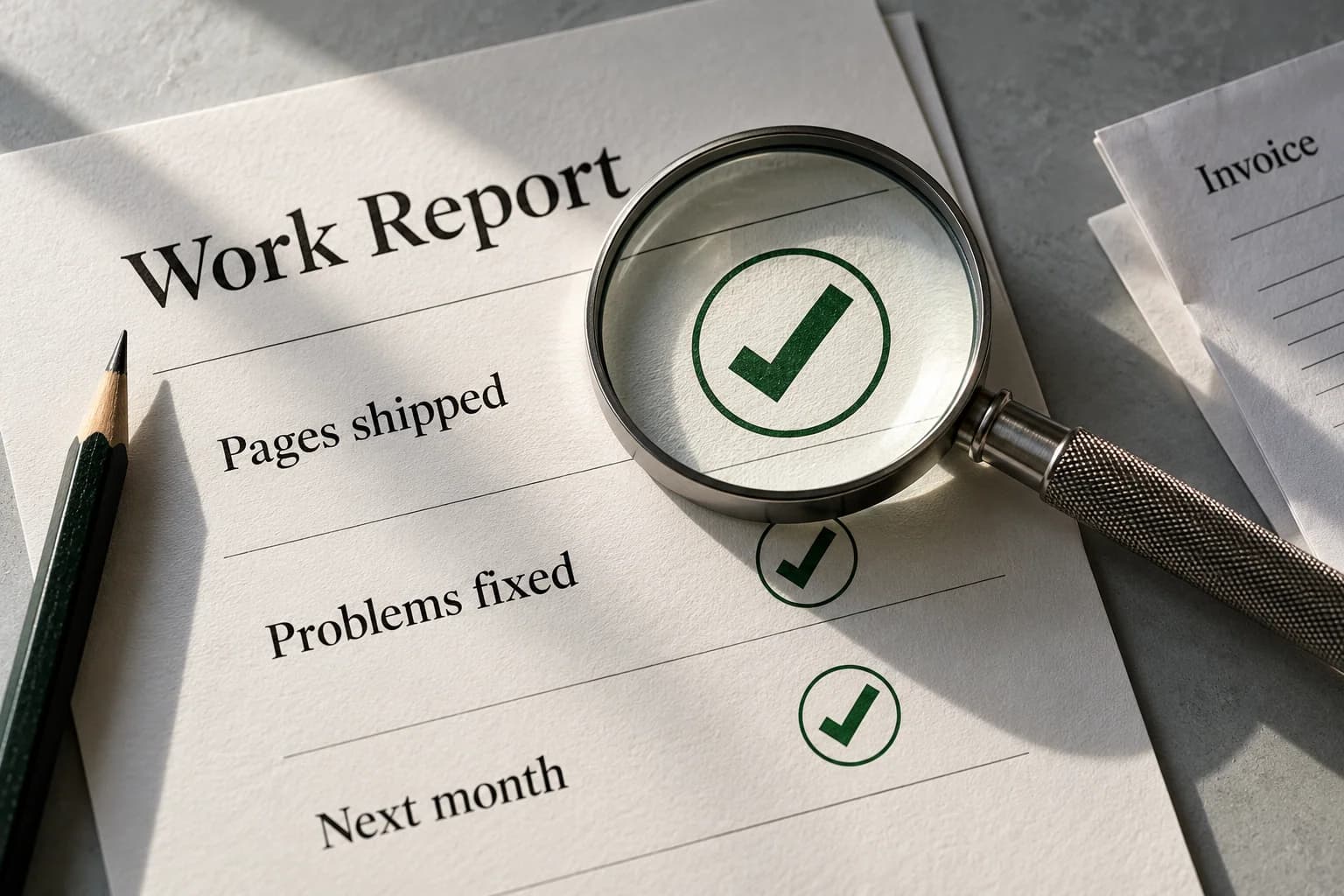
For each clip, write down four things: what the person starts with, what they do, what the recording proves happened and what they still need to check. Use those answers as the article's structure. Add a readable walkthrough for someone who cannot or does not want to watch.
Make the next action fit the product's availability
An article can be clear and still send the reader to the wrong door.
Orbit Android has a public Play listing. Orbit Mac is a separate paid app. Ledgerly is in closed testing, so its guide sends people to a beta-access request, with the limitation explained before they submit. One generic “Get started” link across all three would hide a meaningful difference.
Keep commercial pages close to the explanation. A guide can show a task in detail; a product or service page can explain scope, platform, pricing and the purchase path. Link them when that next step is relevant, using words that tell the reader what will open.
The same applies to an agency. If an integration walkthrough leads to an implementation service, explain what the service does. Our GoHighLevel–WooCommerce guide, for example, can support a conversation about a specific workflow rather than an unspecified promise to “automate everything.”
Give the video a good place to load
We use visible controls and a poster image, and load the video when the reader chooses to play it. That matters when several substantial files sit in one guide. They should not all download just because someone opened the article on a phone.
Use the final media dimensions to reserve space, describe the recording and keep the written instructions available below it. A downloadable MP4 is a useful fallback. Check both the image and the video URL after deployment; a player shell can look correct while the media itself returns an error.
Video metadata should describe the actual recording: a truthful title, thumbnail, duration, first publication date and accessible media URL. It does not turn a supporting clip into a guaranteed video-search result. Google's video guidance distinguishes dedicated watch pages from pages where video is supplementary. Build the page around the reader's task, then describe it accurately.
Measure the action after the explanation
We found two measurement gaps while doing this on our own sites: the product layouts excluded the analytics component, and Web Analytics had not been activated in the hosting dashboard. Having a package in the codebase was not evidence that visits were being collected.
The conversion work adds separate events for saved agency enquiries, accepted AI intake, Ledgerly beta requests, store-listing clicks, booking-link clicks and confirmed checkout responses. Video starts and endings help us see whether visitors use the embedded evidence.
A click on Google Play is still a click. A beta request is not an admitted tester. A booking link does not prove a calendar booking. Website analytics is useful for the path to those actions; the app stores, calendar and payment records establish the downstream result.
For forms, measure after the server has saved the submission. For checkout, distinguish completed payment from approval or pending status. Avoid sending names, emails, order references or message text into analytics. Our events use a small set of product and action labels.
Publish, then learn from the page you actually shipped
Check the page title, canonical URL, visible heading, internal links, video playback and final call to action. Add the page to the appropriate sitemap and make sure a relevant existing page links to it. Then publish it.
You can do that work now. Search discovery and customer response still arrive on their own timetable. Start with the observable questions: can a search engine fetch the page, are relevant queries showing it, do people read or watch, and do they take the next useful step? Use those answers to revise the page instead of treating publication volume as the result.
If you already have demos sitting in a folder, choose the clearest complete customer task first. Give that recording the context it needs, connect it to the right offer and verify the measurement. That is a concrete improvement you can ship before commissioning another video.