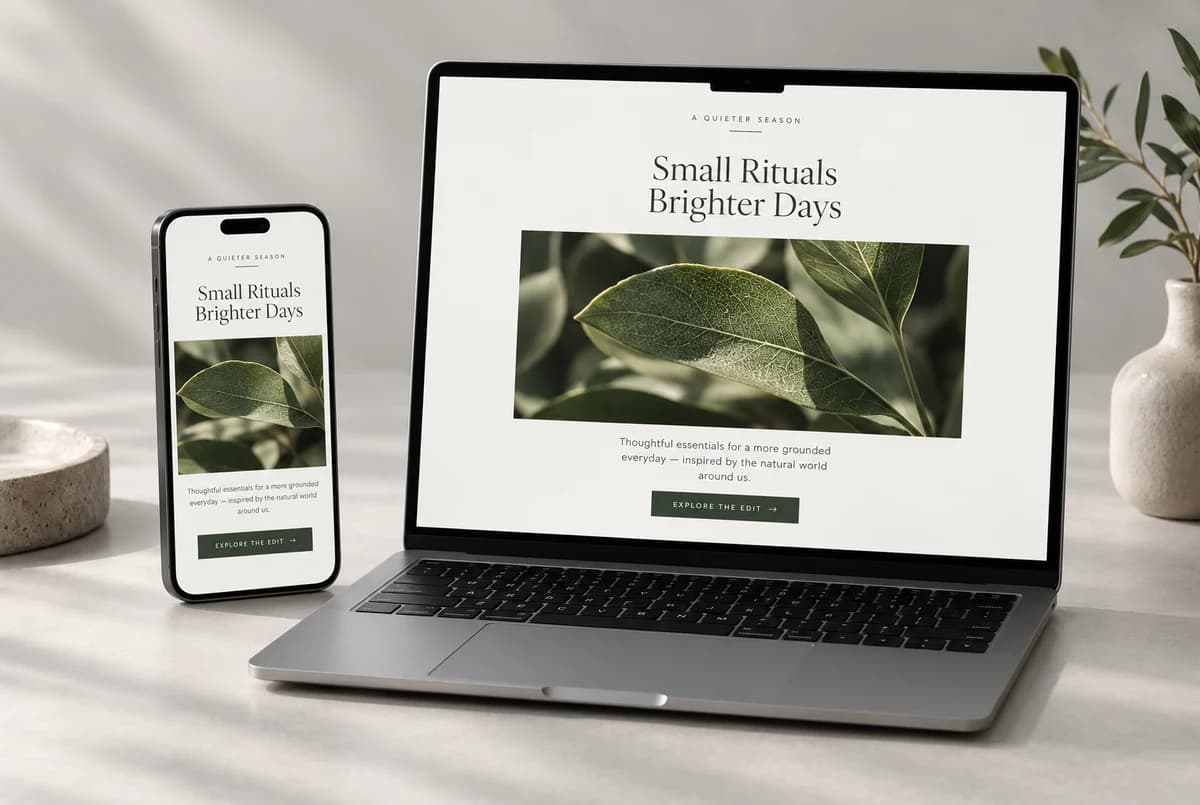
If every email is an emergency sale, eventually the only emergency is your unsubscribe rate.
CBD brands have more to talk about than another discount. A customer may need the report for their batch. Someone may be waiting for a particular pack size. A buyer may be trying to understand a label without sending three support messages.
There is a useful email in each of those situations. None needs to announce a revolution in wellness.
Send the answer they came for
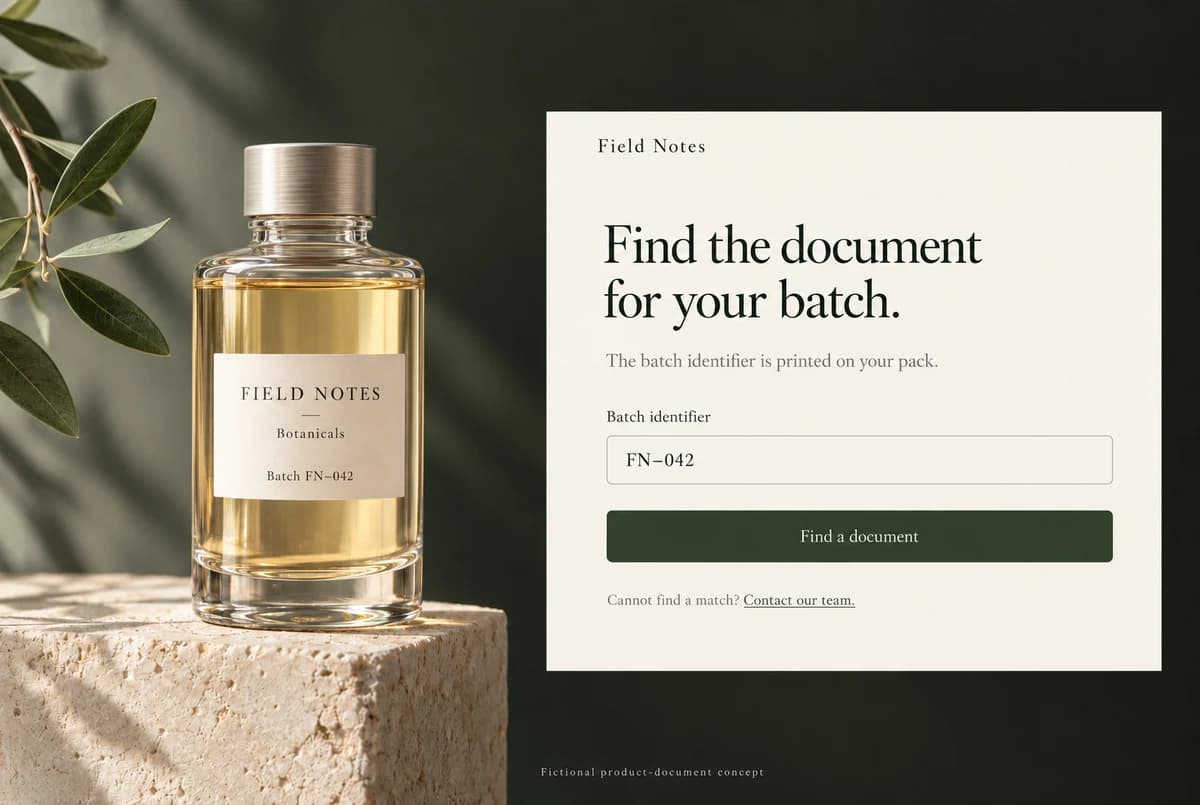
Take Field Notes Botanicals, the example brand in these layouts. A customer wants the report that matches the package in their hand.
Here is enough copy to help:
Subject: Where to find your product’s batch report
The batch identifier is printed on the package. Enter it on our product-documents page to find the matching report.
Can’t find a match? Reply with the product name and batch identifier and we’ll help.
Button: Find a batch report
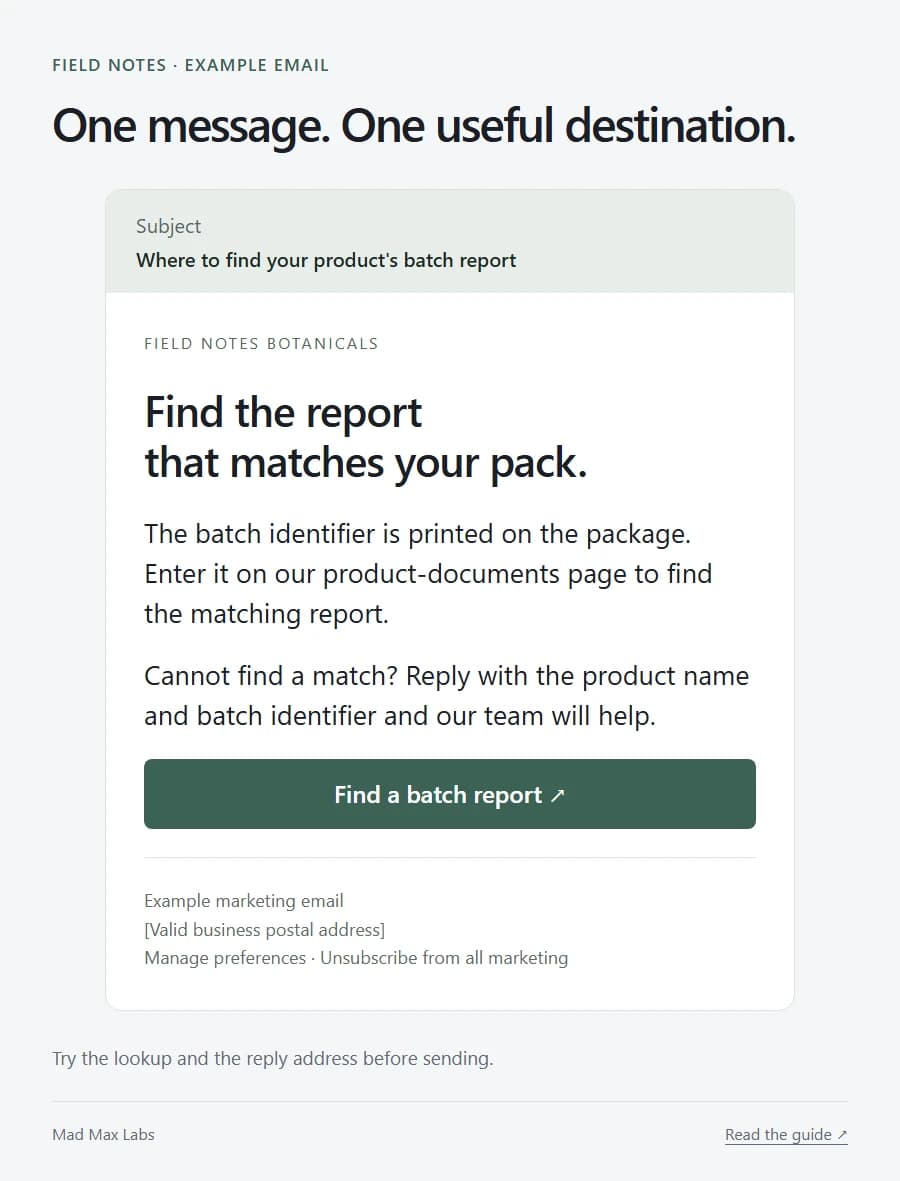
One reason to send. One obvious destination. A way to get help when the lookup fails.
Make the button open the document page. Sending somebody to the homepage after promising a specific answer is the email equivalent of waving vaguely down a corridor.
The lookup and support route need to work, of course. Try them before the message leaves.
An availability email can simply announce availability
Someone asked about the 30 ml pack. It is back. Say so.
“The 30 ml pack you asked about is available again. Check the product page for current availability and delivery options.”
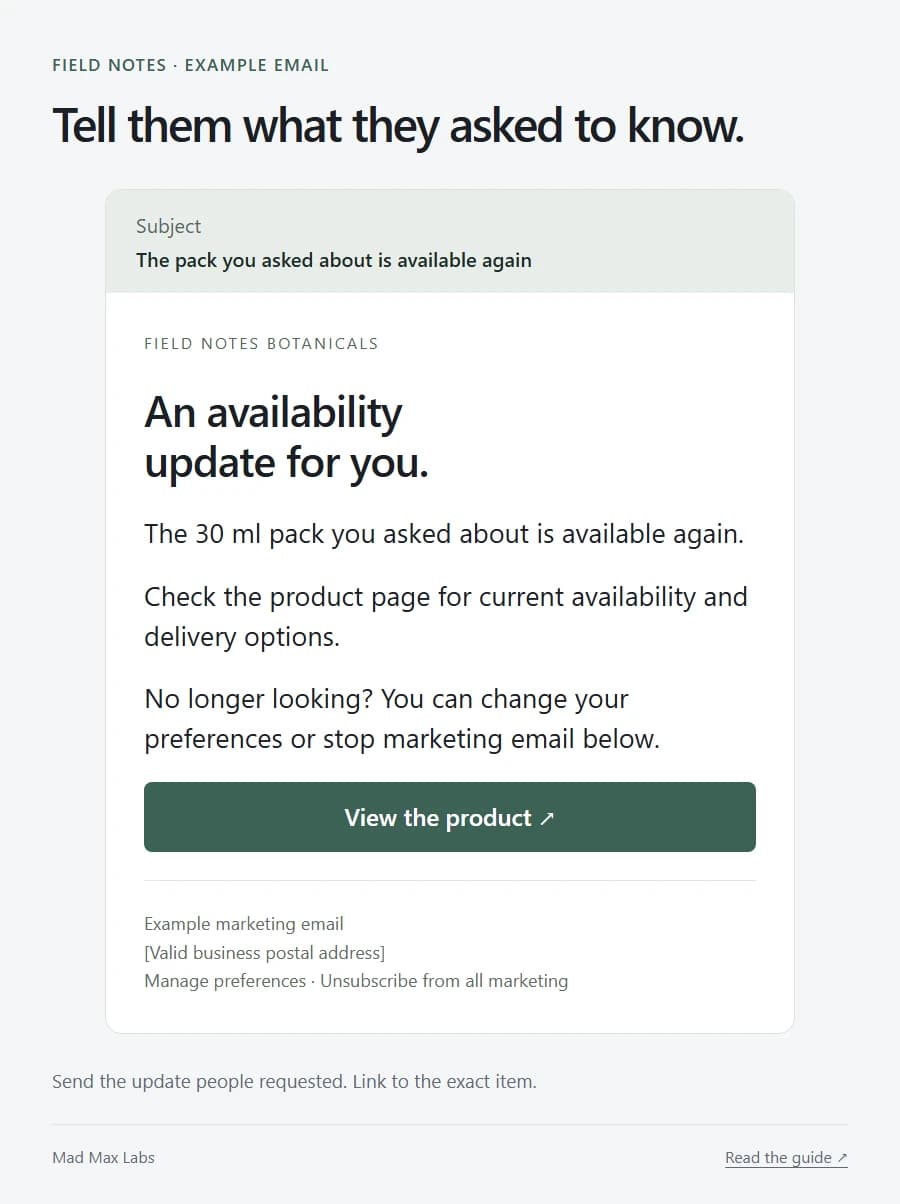
Name the exact item or variant and link to it. Add a real ordering limit if one matters. Leave the countdown out unless there is an actual deadline.
A stock notification is useful because the person already has a reason to care. You don’t need to manufacture a panic to improve it.
Other messages can explain a packaging change, a new document lookup or a different dispatch schedule. Use the facts you have. The customer does not need a grand brand statement every time the warehouse changes its hours.
Check the channel once, properly
Before choosing a provider, describe your products, destinations and intended messages. Get an answer for that use case.
Email and SMS are separate questions. Klaviyo’s SMS/MMS guidance lists CBD among restricted substances. An email account does not give you permission to send CBD texts.
Its acceptable-use policy also rules out purchased, rented and other non-consenting lists. These sources were checked on 21 October 2026; check the current terms when choosing a service.
If the provider says no, find a suitable provider for lawful products and messages. Hiding the category creates a very fragile foundation for your marketing.
Keep product claims grounded, too. The FDA warns about unsupported therapeutic claims. A subject line or customer quote can make the same problematic promise as a product page. Product facts and ordering information give you plenty of useful material.
Let the email survive a missing image
An image can make someone pause. The message still needs to work when that image is blocked.
Keep the product name, useful information and main link as readable text. Open the message on a phone. If the whole thing shrinks into a tiny poster, the design needs another pass.
Check the destination on that same phone. Does it open the right product? Is the report readable? Can someone ask a question without battling a popup?
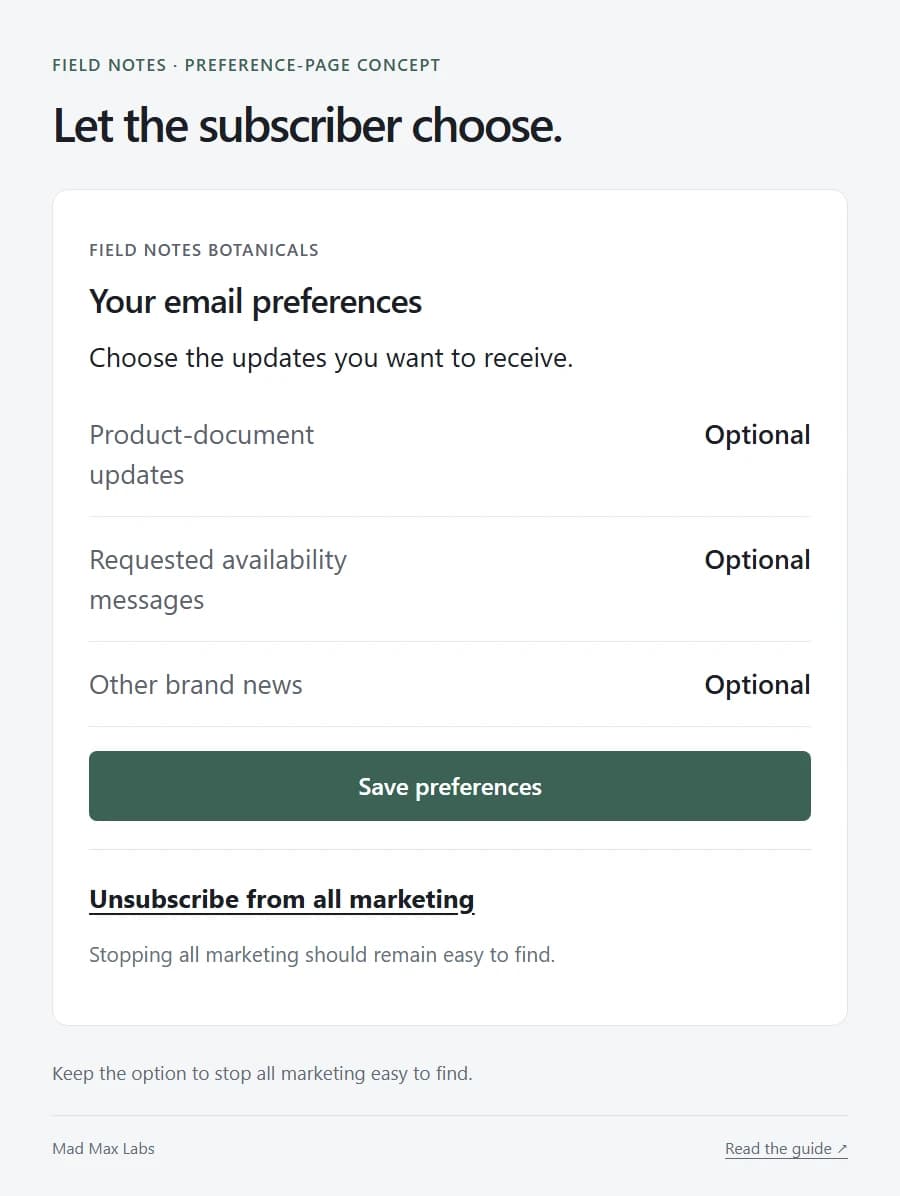
A preference page can let people choose document updates, availability messages or broader news. Keep “unsubscribe from all” easy to find.
Making the exit irritating is a peculiar way to argue that someone should stay.
Keep the boring promises as well
For US commercial email, the FTC’s CAN-SPAM guide covers accurate sender information and subject lines, advertising identification, a valid postal address and a clear opt-out. Honour opt-outs within ten business days and keep the mechanism working for at least 30 days after sending. B2B marketing is covered, too; other jurisdictions and provider terms can add requirements.
The more immediate editorial rule is simple: send what someone signed up to receive. One stock alert is a small request. Treating it as an invitation to a daily newsletter is quite a leap.
Then judge the email by what happens after the open. Did someone reach the right document, find the item or get an answer? An open-rate screenshot will not tell you all of that.
Work on the store page behind the email as carefully as the subject line. A good invitation deserves somewhere useful to land.