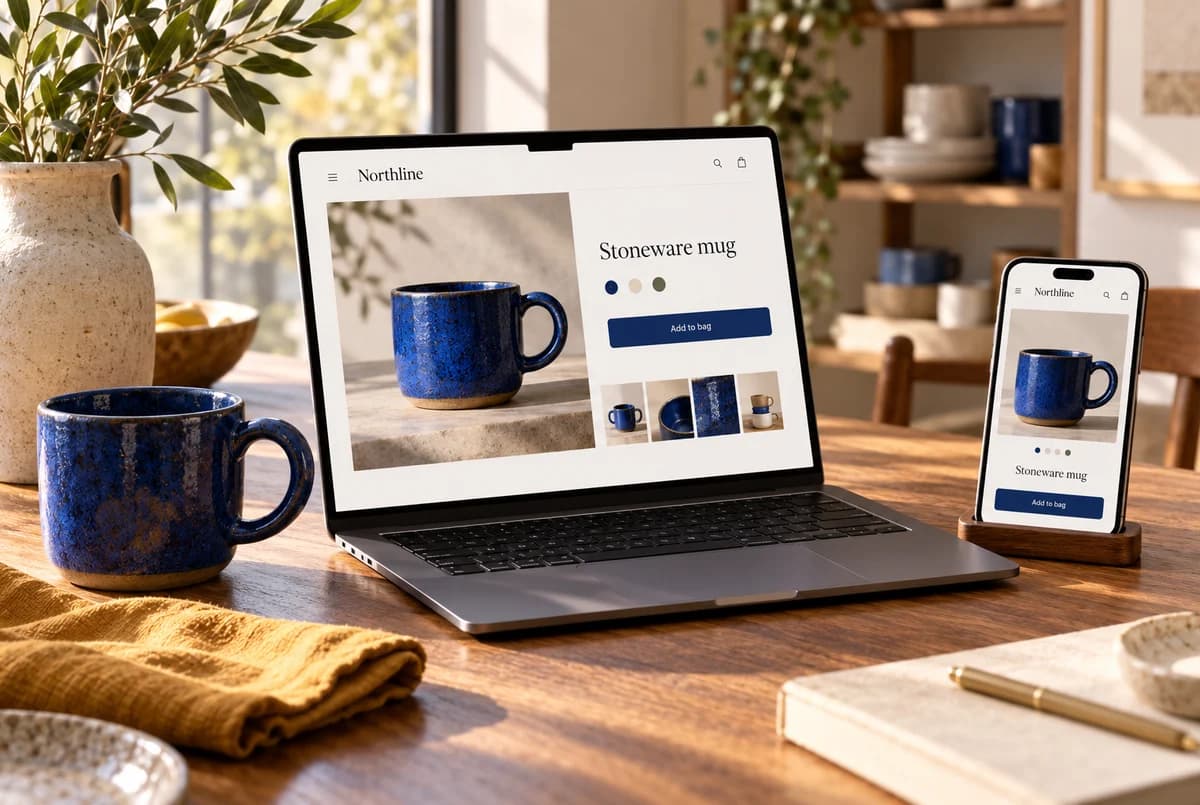
Your Shopify store is getting visitors. They look around, admire the photography and leave without buying a damn thing. At this point, “we just need more traffic” starts to sound suspiciously like ordering another round because the first one failed to improve your marriage.
Before you spend more, try buying your own product on your phone.
Can you tell what arrives, what it costs delivered and when you might get it? Can you choose a variant without closing three popups? If you hesitate on your own site, a stranger owes you considerably less patience.
First, find out who came through the door
A thousand visitors from a giveaway can look wonderful in a report and do absolutely nothing for the business. Check where people came from, which page they reached and whether you even deliver to them.
Then check whether your analytics agrees with your orders. If the dashboard says zero purchases while the store has five, you have a reporting problem to untangle before you have a conversion problem to diagnose.
Shopify’s own traffic-without-sales guide covers both visitor quality and the buying experience. Keep both in view. A page cannot persuade someone to order a product you will not ship to their country.
Give the numbers a job
Take our example shop, Northline. In one period, it records 1,000 sessions, 40 adding a product to the cart, 20 reaching checkout and five completing an order.
That is a 0.5% session conversion rate. Of the checkout sessions, 25% finish.
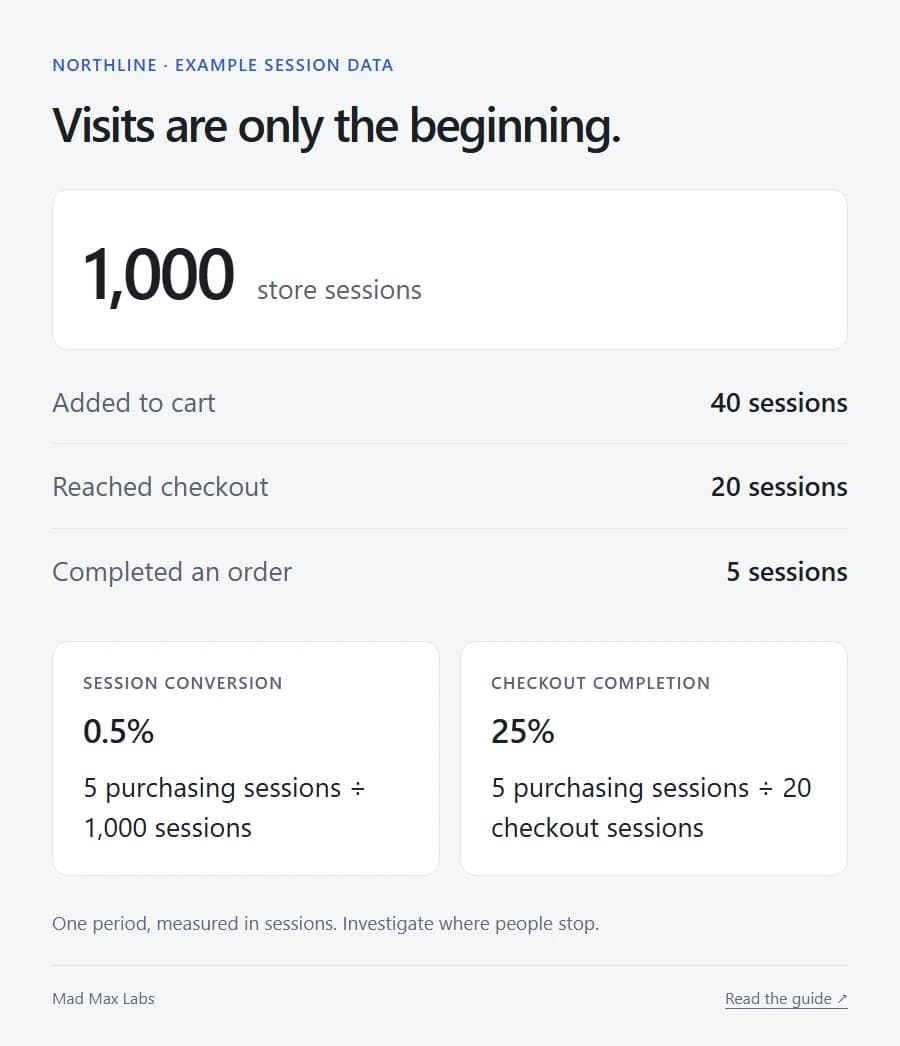
The interesting question is what happened to the other fifteen checkout sessions. Try the destinations and payment methods those customers use. See when shipping appears. Look for an error that only shows up after someone has already entered an address.
If almost nobody adds anything to the cart, go back to the product page. The doubt may start much earlier.
Keep a little perspective with small numbers, too. Five orders becoming seven gives you two more orders. Calling it a “40% conversion breakthrough” is how an ordinary Tuesday acquires a LinkedIn personality.
Your mug needs dimensions
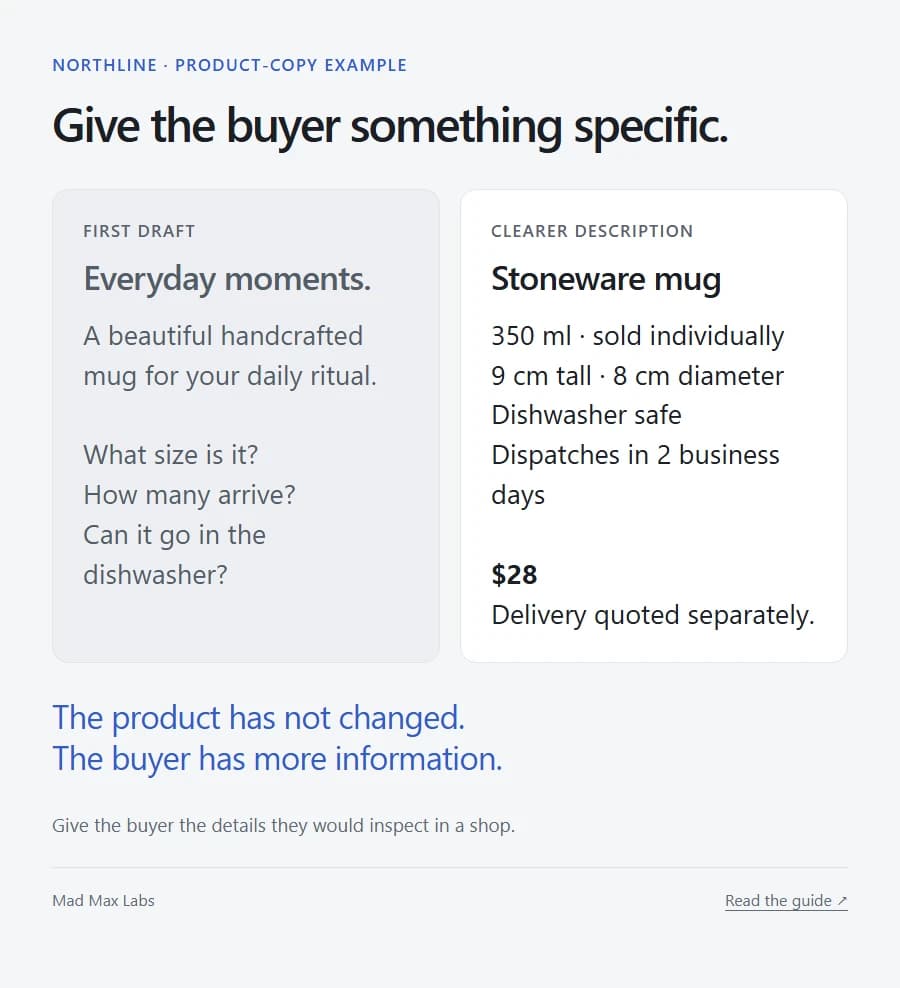
Northline’s first product description says “Everyday moments.” There is a handsome photograph. Everything feels calm.
Unfortunately, I still don’t know whether the mug fits under my coffee machine.
The useful version tells me it holds 350 ml, stands 9 cm tall and is sold individually. It tells me how to wash it and when it leaves the warehouse. Now I can make a decision.
The equivalent detail changes with the product. For a shirt, it might be fit and fabric. For a replacement part, compatibility. For a download, the file format and software required to open it.
Show the thing at a useful scale. Show the detail someone would turn it over to inspect in a shop. Give the photographs a reason to exist beyond making the page expensive to load.
And use actual customer reviews. Three invented testimonials do not make a young store look established. They make every other claim on the page harder to believe.
Spring fewer surprises at checkout
Our mug costs $28. Delivery costs $6. The subtotal is $34 before applicable tax.
Let people find that out while they are still deciding, rather than after they have donated their name, email and street address to your checkout.
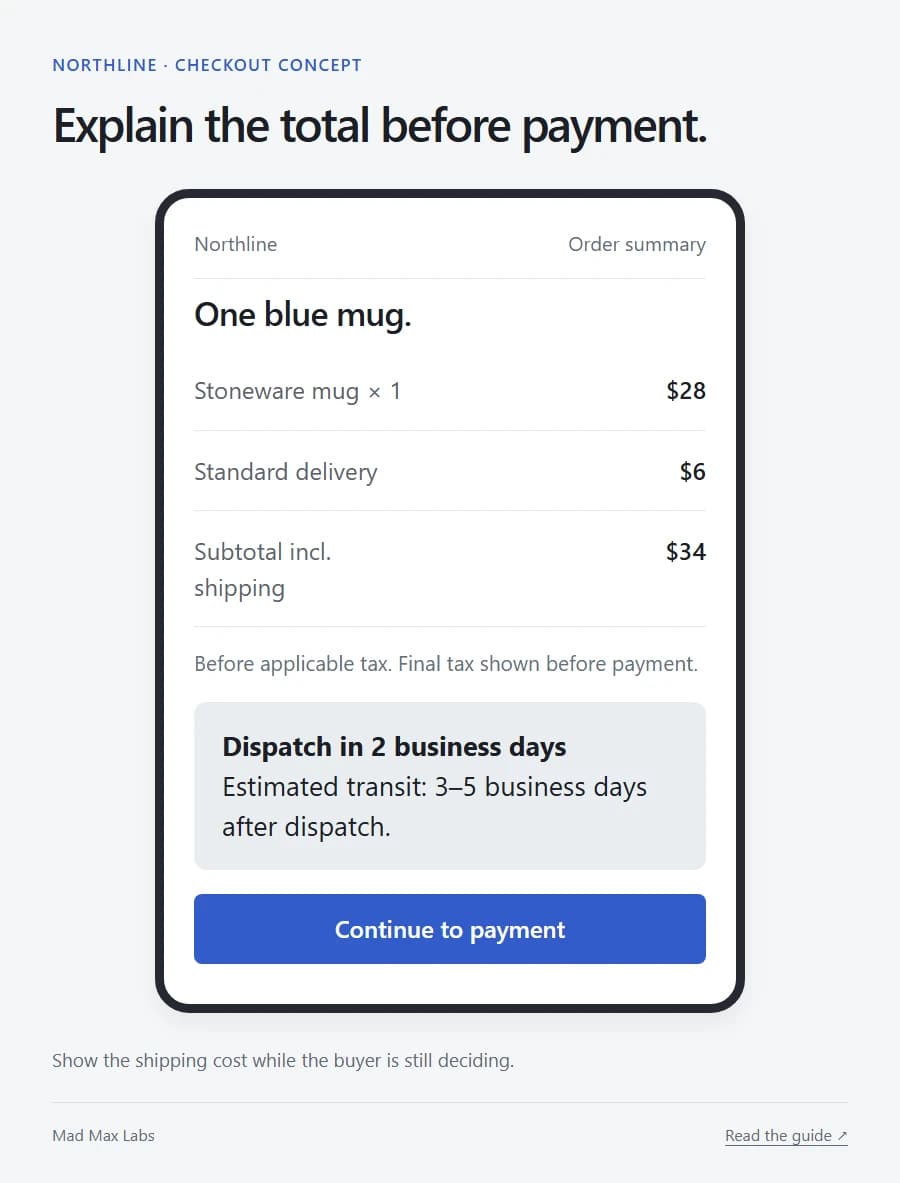
If shipping depends on the destination, make the estimate easy to get. Keep dispatch and arrival separate: two days before a parcel leaves you is a very different promise from two days before it reaches me.
Then use your thumb. Open the size selector. Tap the product photograph. Bring up the keyboard. Check whether a sticky offer covers the button you need next.
Those tiny annoyances are easy to forgive when you built the site. Customers have other tabs open.
Fix something you can name
“The store needs a refresh” can swallow a budget. “The customer cannot find the dimensions” gives you a useful job.
Pick the specific obstacle, make the change and watch what happens with comparable traffic. Note promotions and stockouts so you don’t credit a new headline for a sale caused by a discount.
Also listen to the questions that stop arriving. If customers no longer have to email you to ask what comes in the box, the page is finally doing some work.
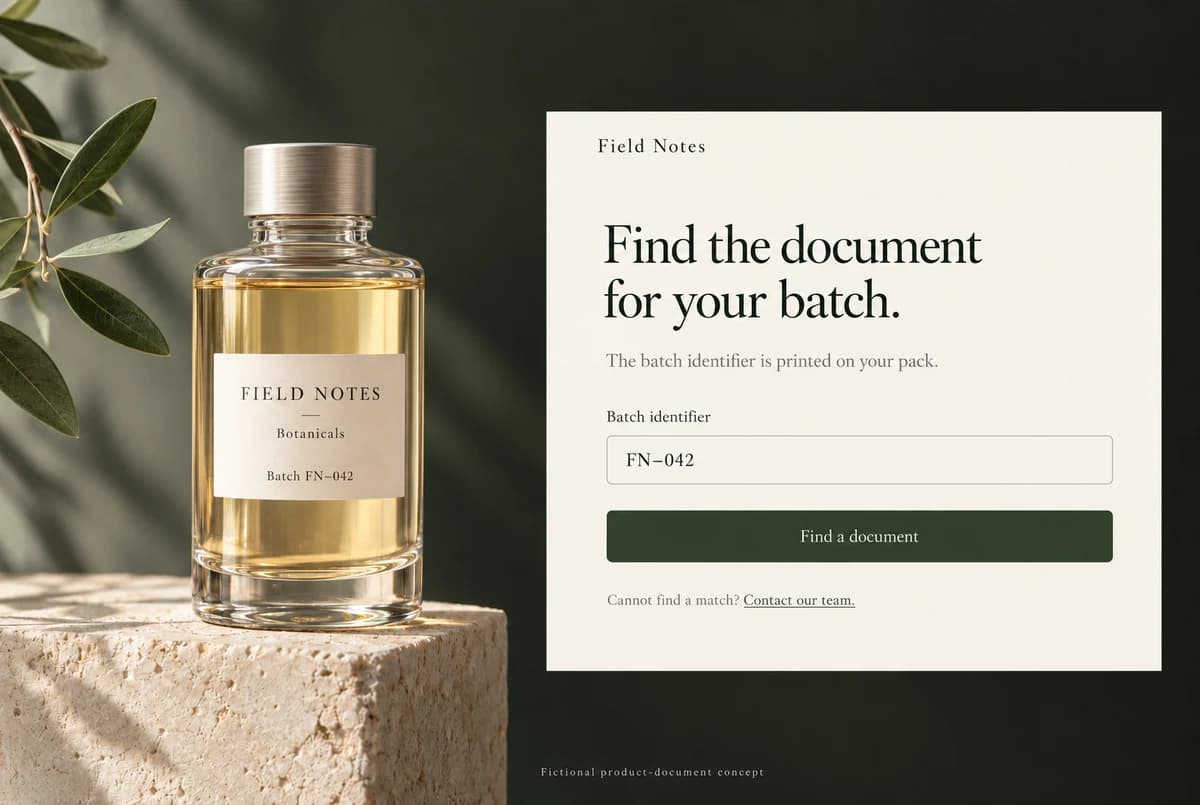
The website checklist covers the rest of the buying journey. For a more specialised catalogue, our Terplandia case study shows how product documents and a finder help buyers get to the information they came for.
Before paying to bring another thousand people in, give the people already there a better reason to stay.