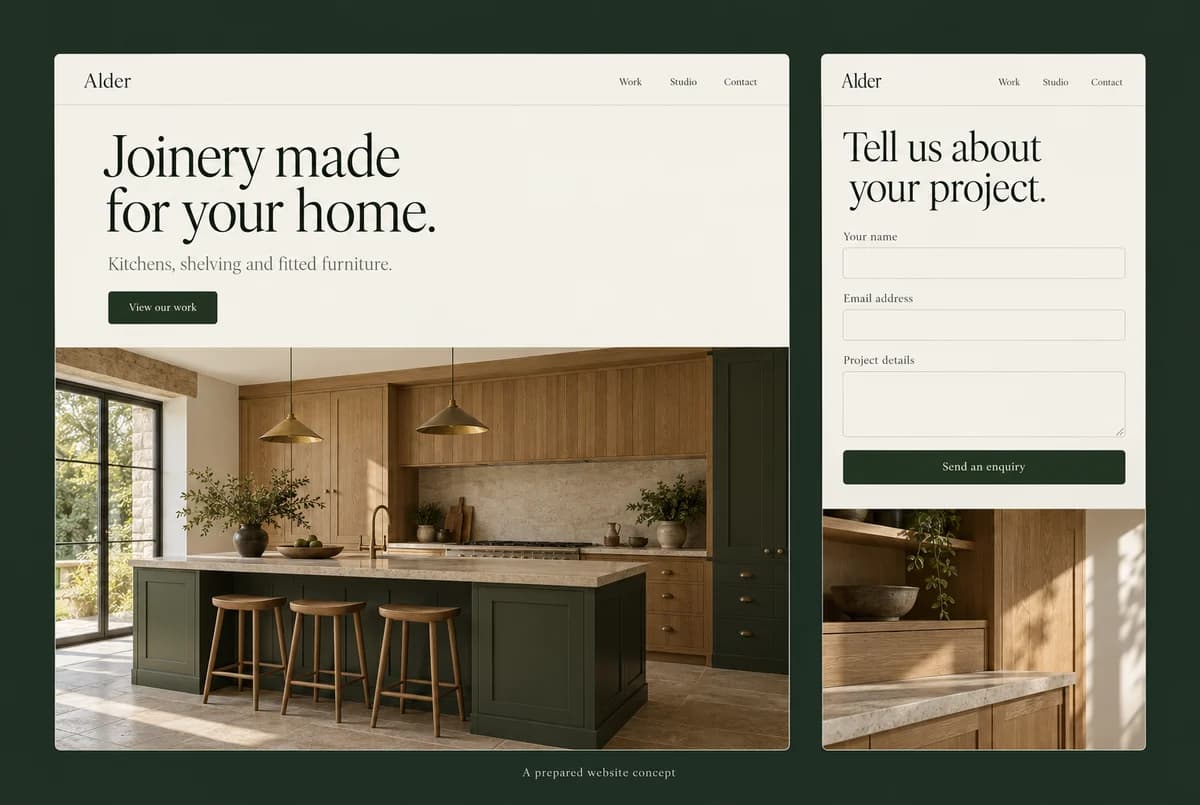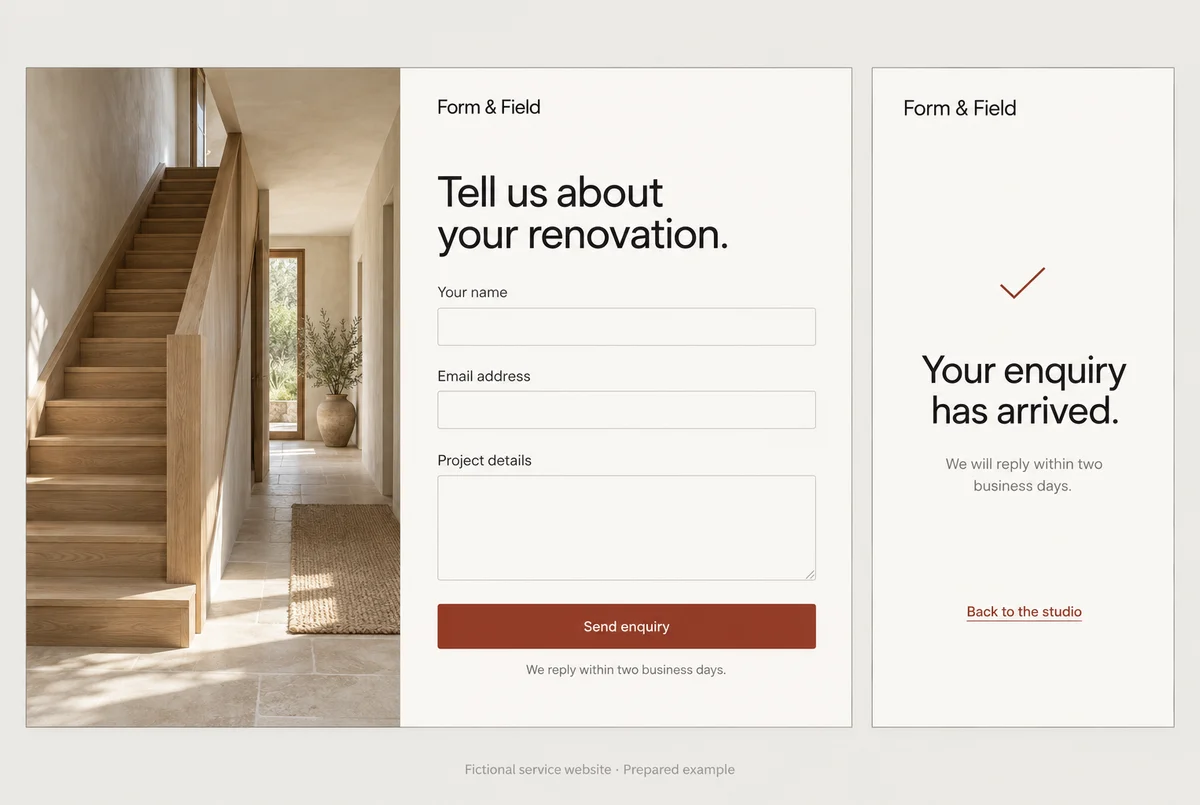
The homepage is beautiful. The contact form sends enquiries into a void.
You can admire both facts at the same time, but only one of them pays the rent.
When a new website arrives, the temptation is to review it like a photograph. Look at the colours. Move the logo. Debate whether the heading should be slightly bigger.
Do that after you have tried to use it.
This small-business website checklist starts with the things a customer needs to finish, then the things you need to own. You can check them without reading a line of code.
1. Send the enquiry and go looking for it
Start where a visitor might arrive: a service page, a product or a search result. Read the offer and take the next step.
For a service business, send a test enquiry. Check the confirmation message, then find the enquiry in the inbox or system that is supposed to receive it.
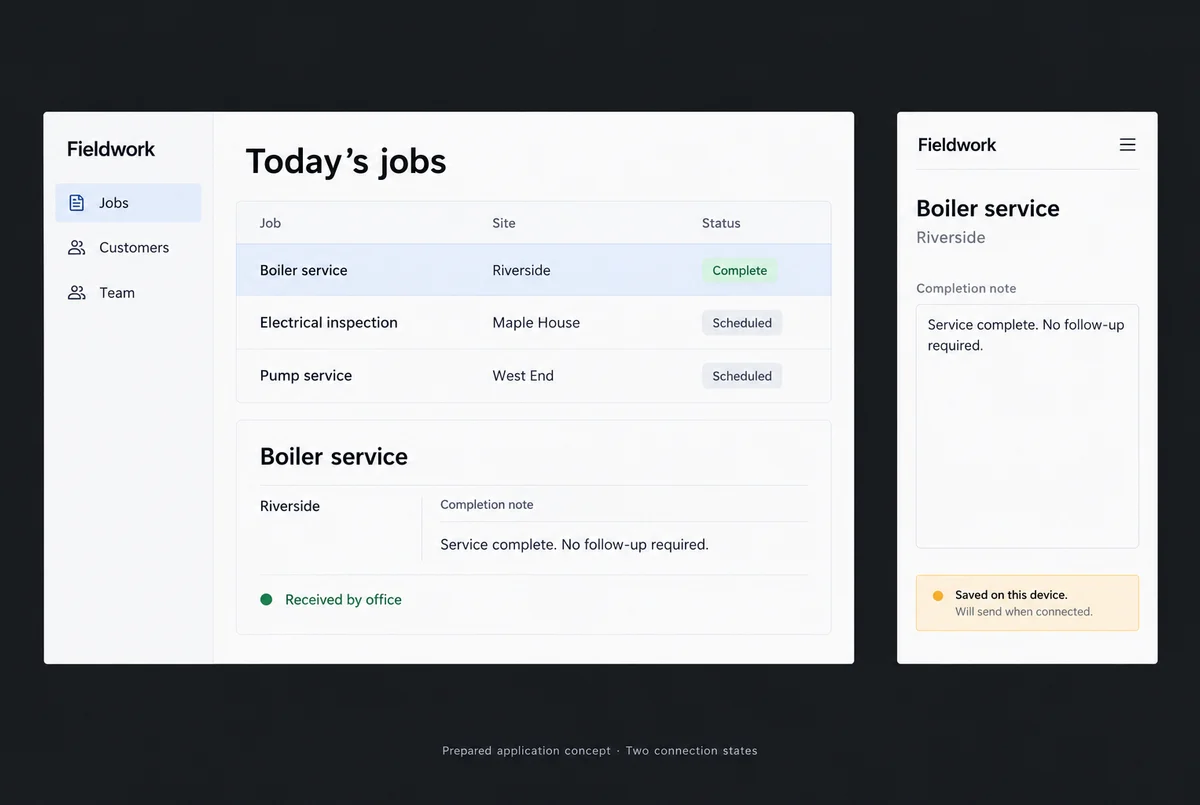
A cheery “thank you” on screen is not evidence that anyone at the business knows you exist.
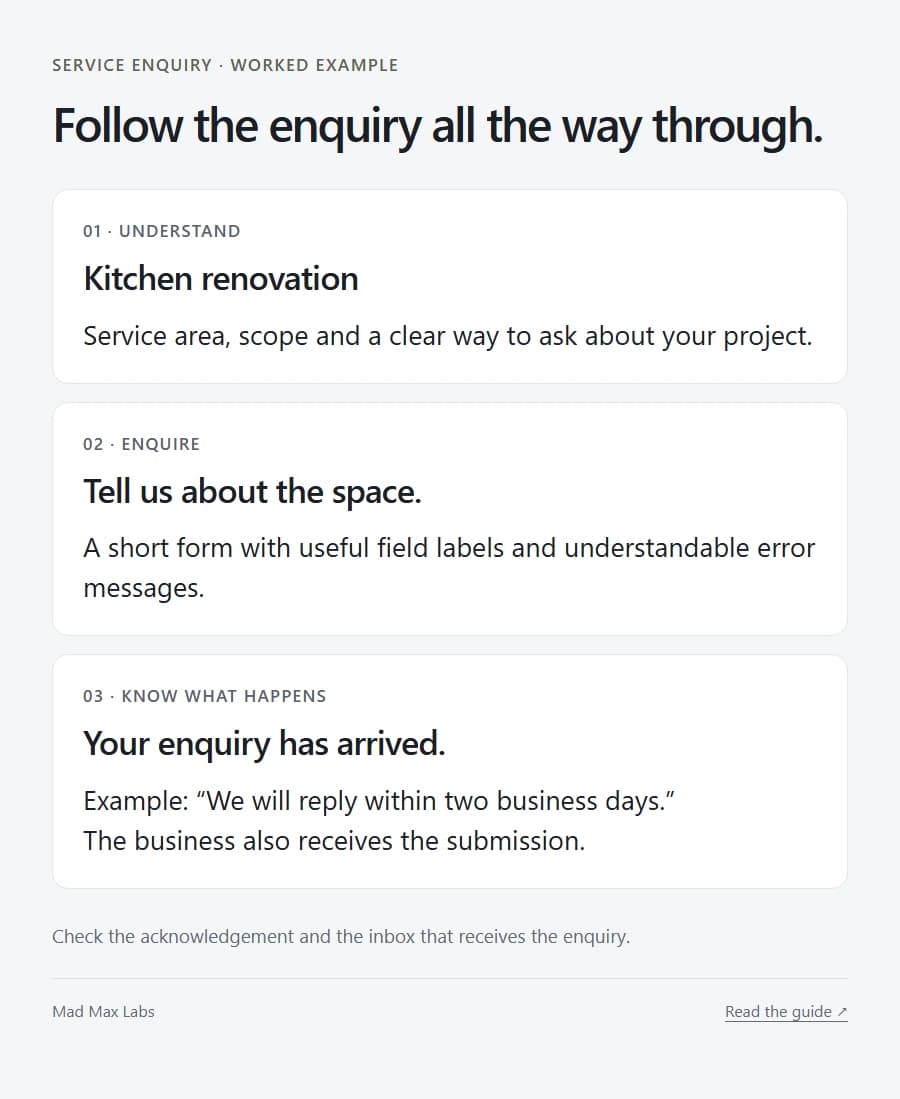
Leave a required field blank and see what happens. The error should make sense. The rest of your message should still be there. Use the keyboard to reach the controls and make sure you can see which one is selected.
For bookings or payments, arrange a test with the supplier so you know whether it creates a real charge or reserves a real appointment. Follow the whole thing through, including the confirmation.
2. Put your phone in your hand
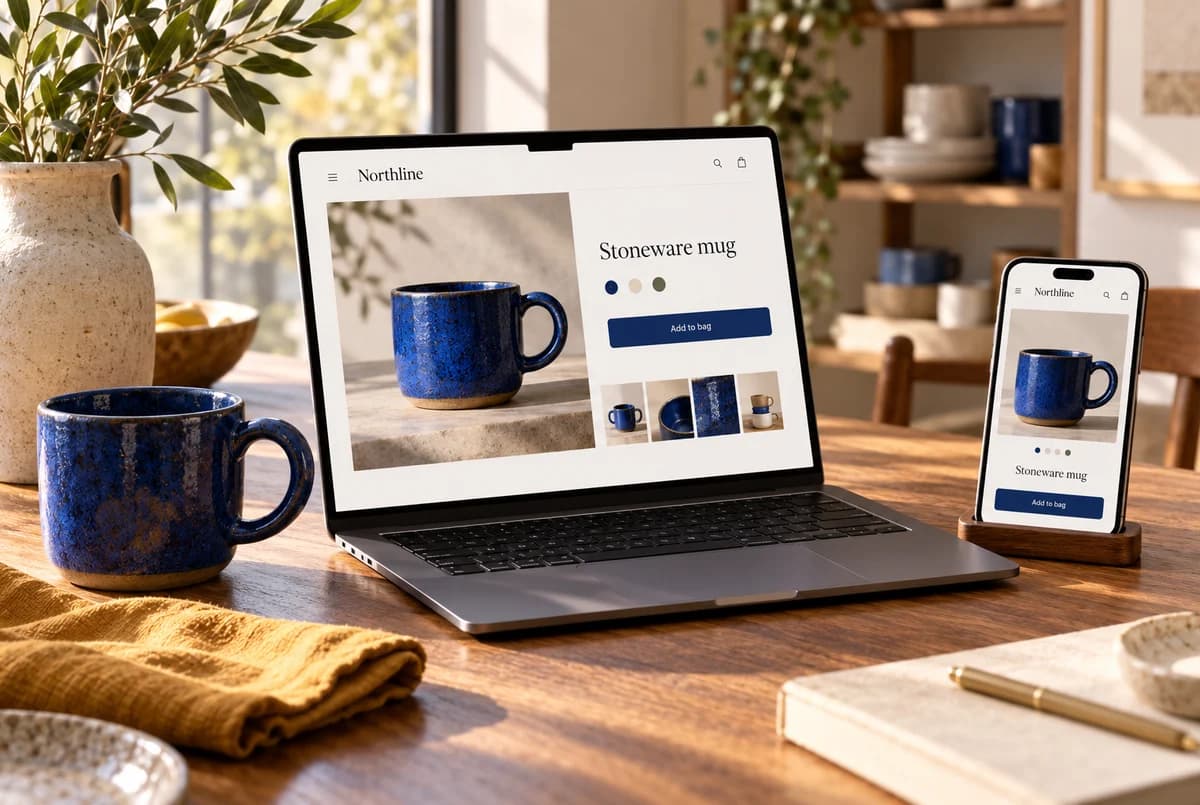
Use your thumb. Open the menu. Read the text. Tap the photograph that looks clickable.
If it shows a particular product, it should take you to that product. Dropping a buyer into the general catalogue makes them repeat work the picture appeared to have done for them.
Open the keyboard while completing a form. Does it hide a field? Does the sticky banner cover the next button? Can you get back from a third-party booking page without losing your place?
Try the phone number and the address. One should reach the dialler; the other should open the correct location. A beautiful map of the wrong branch is still the wrong branch.
3. Read the details you normally skip
Business name. Opening hours. Service area. Prices. Contact details.
These are easy to skim because you know them. A new customer doesn’t, and they may be reading the page while standing outside your closed door.
On a store, check pack sizes, variants, stock wording, shipping and returns. On a service site, check what the form actually commits someone to. Requesting a quote and booking a confirmed appointment should feel different.
Look for sample testimonials and leftover template copy. Make sure the photographs are yours to use. A page that promises “award-winning excellence” should have an award it can point to.
Write down the exact correction: the page, the problem, the right information. Your supplier can act on “this product image opens the wrong item.” “Something feels off” needs another meeting.
4. Take the keys
Sign into the domain account, hosting or store platform, content system and analytics you are meant to control.
Do it while the handover is happening. An invitation in your inbox can expire. A login can belong to the wrong organisation. Find out now.
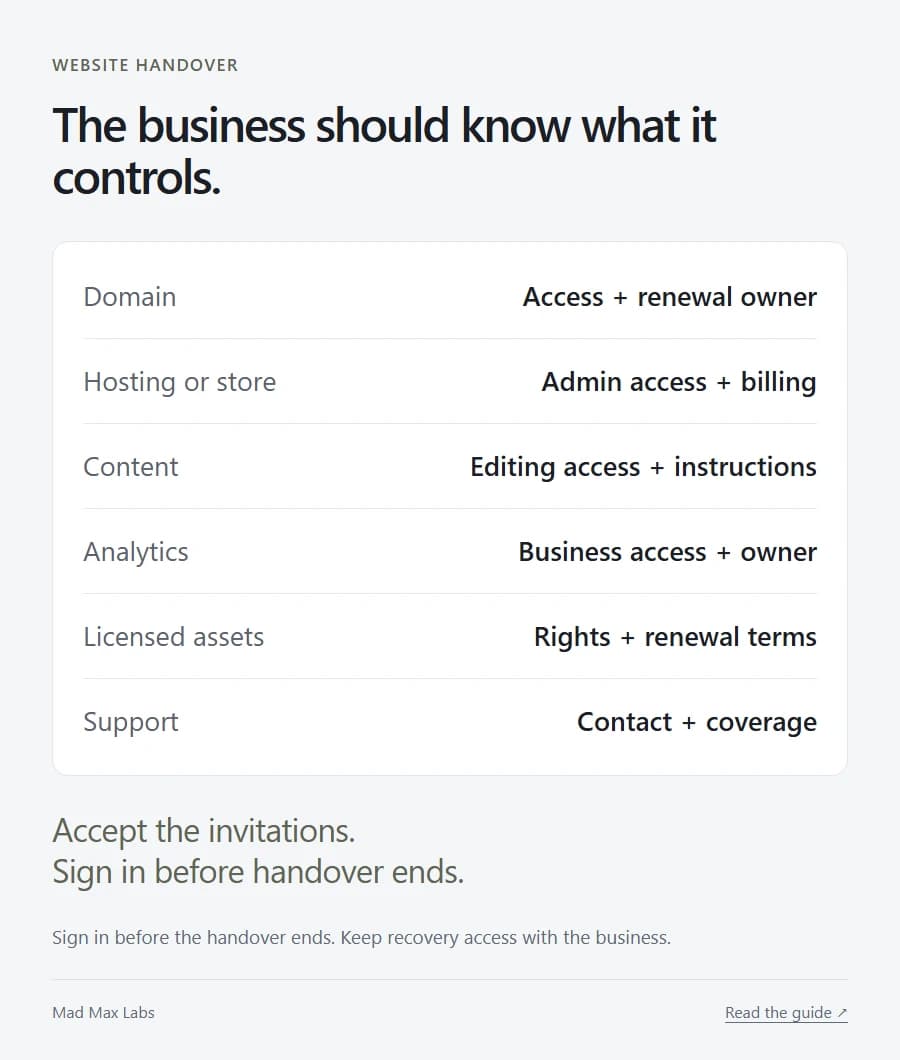
Record who pays each renewal and which licences belong to the supplier. Keep recovery access under the business’s control.
Then make one everyday edit yourself. Change the hours. Update a price. Add a product. Ask for instructions you can return to when the screen no longer looks familiar.
If you prefer paying someone to handle those changes, agree the turnaround and cost. The problem is discovering that arrangement only after you need something urgently.
5. Give the unfinished bits names
A launch can survive a minor spacing adjustment. A store that cannot take payment has a rather more immediate problem.
List what remains, who owns each item and when it will be done. Agree which issues prevent launch.
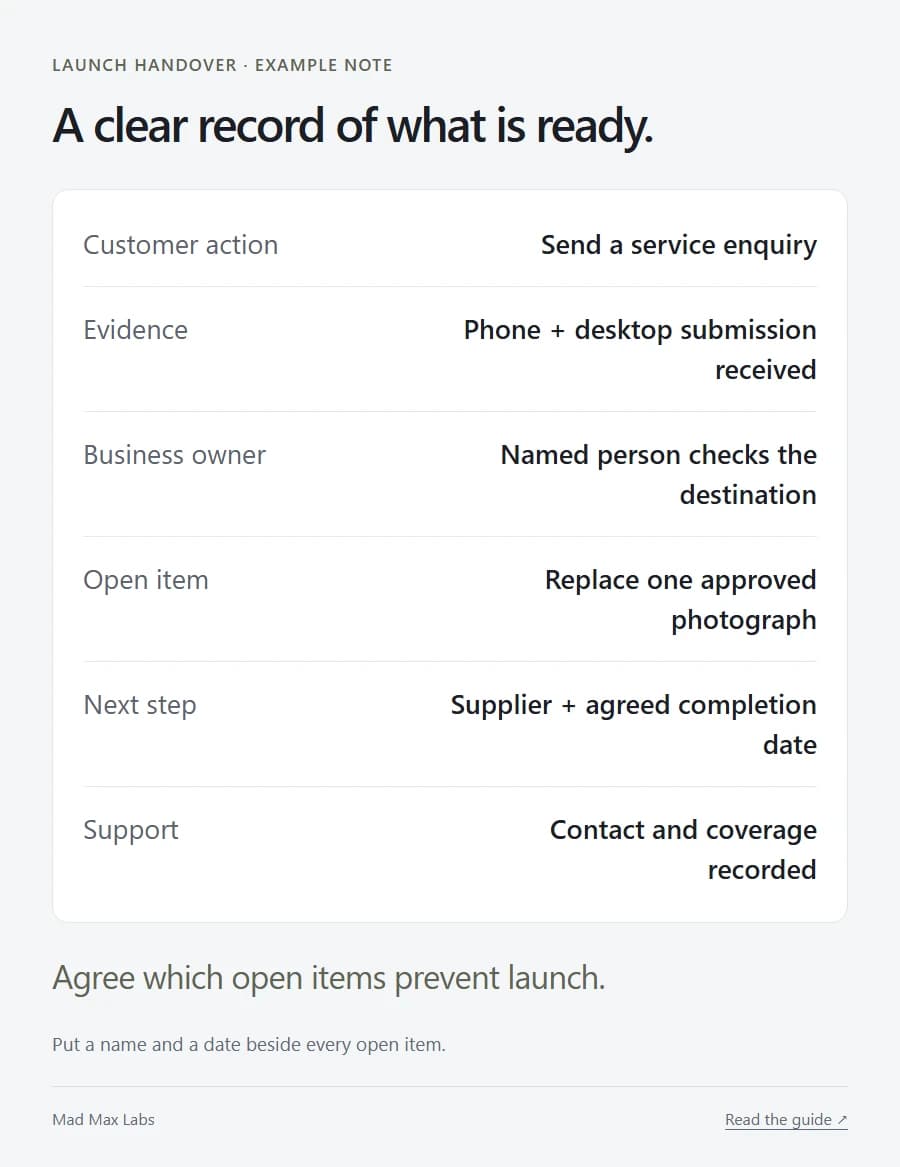
If you are replacing a site, ask where the important old URLs will lead. Have the supplier check the public site after the switch. Ask what gets backed up and who can restore it.
Save the support contact and coverage period somewhere you can find quickly. Check how later changes are charged; the website cost guide covers the recurring bills worth understanding.
Technical accessibility and security checks still belong in the supplier’s work. Your part is to put the site through an ordinary customer’s day, then take possession of what you bought.
The logo can move six pixels later. First, make sure the enquiry arrives.