“We should build an app” is a wonderfully exciting thing to say before anyone has to maintain the app.
You have a spreadsheet, a subscription nobody particularly likes and a weekly ritual of copying information between them. Custom software starts to look like freedom.
It might be. First, describe the job you need done without using the word “app.”
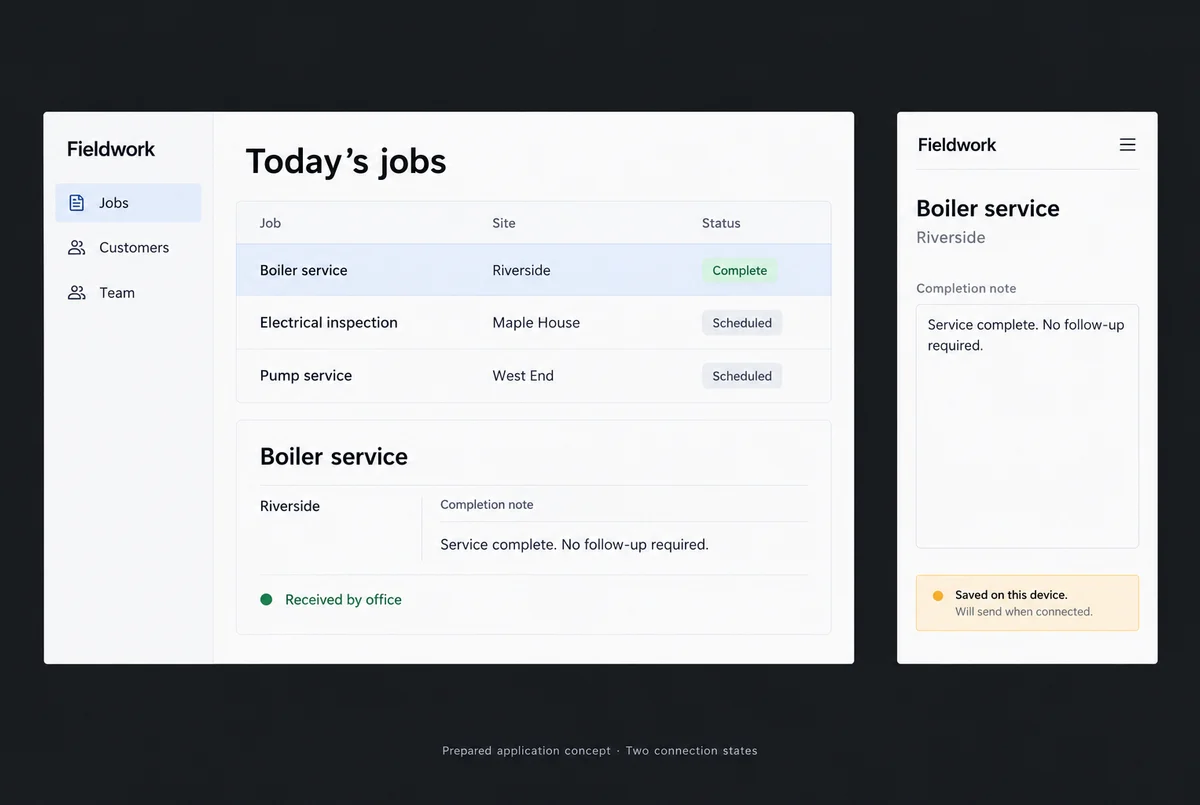
A technician needs to record completed work in a building with no signal. The office needs that record later. The technician needs to know it arrived.
Now there is something worth discussing.
Be precise about the pain
An ugly screen can be annoying. Missing offline support can stop the job entirely.
Write down the situations where your current tools fail. Who is trying to do what? What information do they have? What prevents them from finishing? How often does it happen?
A customer changes an order after it has been assigned. Two people edit the same record. A shared device loses its connection. These are useful details. “We want something modern” leaves a lot of room for an expensive misunderstanding.
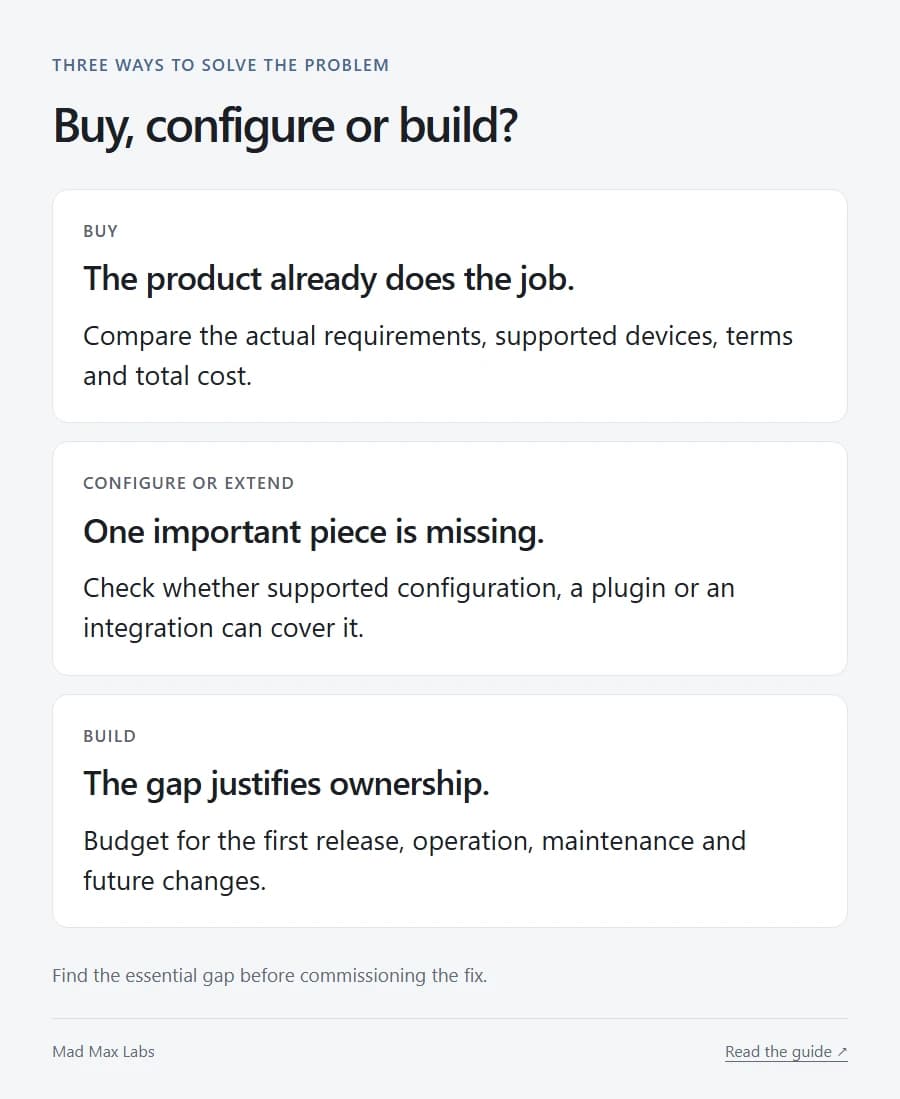
Look at existing products with those situations in mind. If one handles the important work at a sensible cost, buying it is a good decision. You are allowed to spend the remaining money on something else.
Give configuration a fair hearing, too. A form, reporting view or small extension might remove the weekly nuisance without giving you an entire application to look after.
Put both options on the same calendar
Subscriptions are irritatingly visible. Every month, there they are.
Custom software has running costs as well, although they may arrive in less predictable envelopes.
Take this example over 24 months. An existing product costs $900 per month plus $2,000 to set up: $23,600. A custom application costs $18,000 to build and $350 per month for support: $26,400.
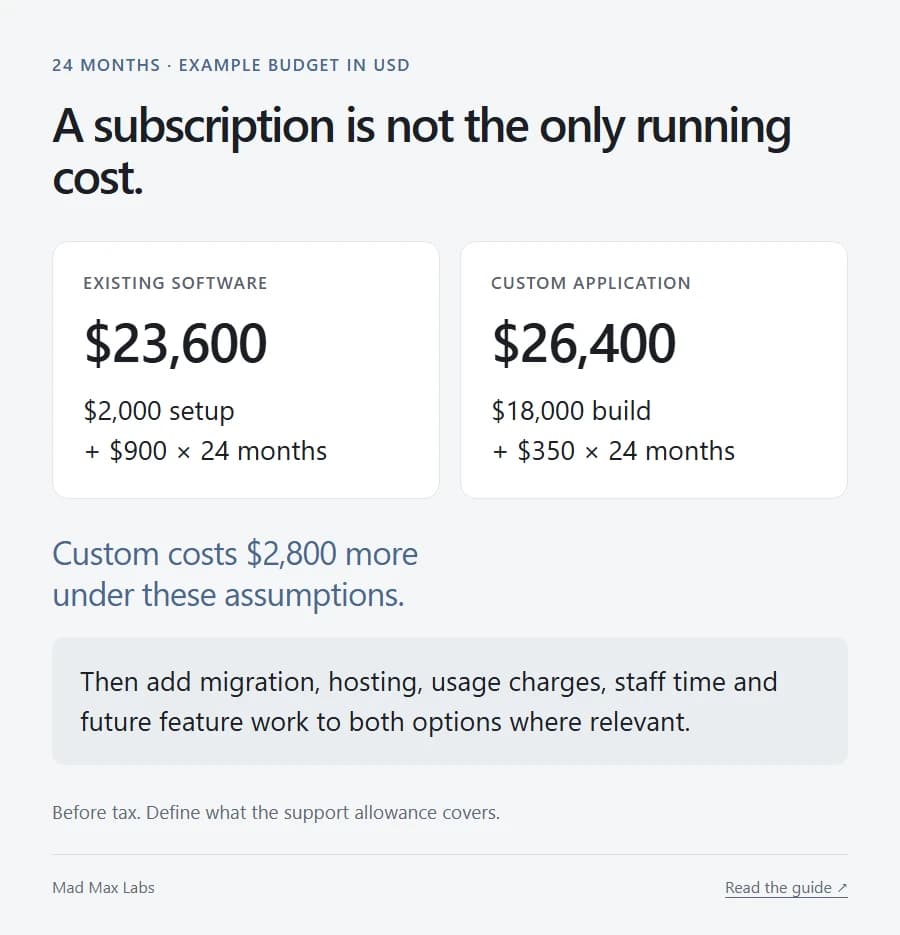
Custom costs $2,800 more in that example. It may still earn the difference by doing an essential job the subscription cannot handle.
Before deciding, add the missing costs to each side: migration, hosting, usage charges, staff time and future feature work where they apply. Define the support allowance. Ask what happens when an operating system or service the app relies on changes.
“One-time build fee” describes an invoice. It says very little about the next three years.
Keep the part that already works
For Terplandia, we kept WooCommerce as the store and built catalogue-specific features around it, including the strain finder and mixing lab.
The business needed a more useful way to explore its products. It did not need us to invent shopping carts again.

That is the kind of custom work I like: a specific reason for the thing to exist. An established platform handles ordinary commerce; the additional work serves this catalogue and its buyers.
Our own Terrarium takes a different, deliberately specific approach to tasks and projects through a growing garden. The article about undoing an action shows the Android preview and the care that one small interaction needs.
Even a narrow app has details to get right. A smaller scope gives you room to do that.
Own enough to leave
Before signing, ask who owns the source code and design, who controls the hosting and what another developer would receive at handover.
Then ask for an explanation of the data export. Does it include attachments? Relationships between records? Can someone actually use it elsewhere?
A repository is helpful. A repository nobody else can run is a rather expensive keepsake.
The same exit question belongs on a subscription purchase. Find out how exports and account closure work while you still like the service. That is the easiest time to ask.
Make the first release earn the second
For our technician example, start with assigned jobs, an offline completion note and a clear confirmation when the office receives it.
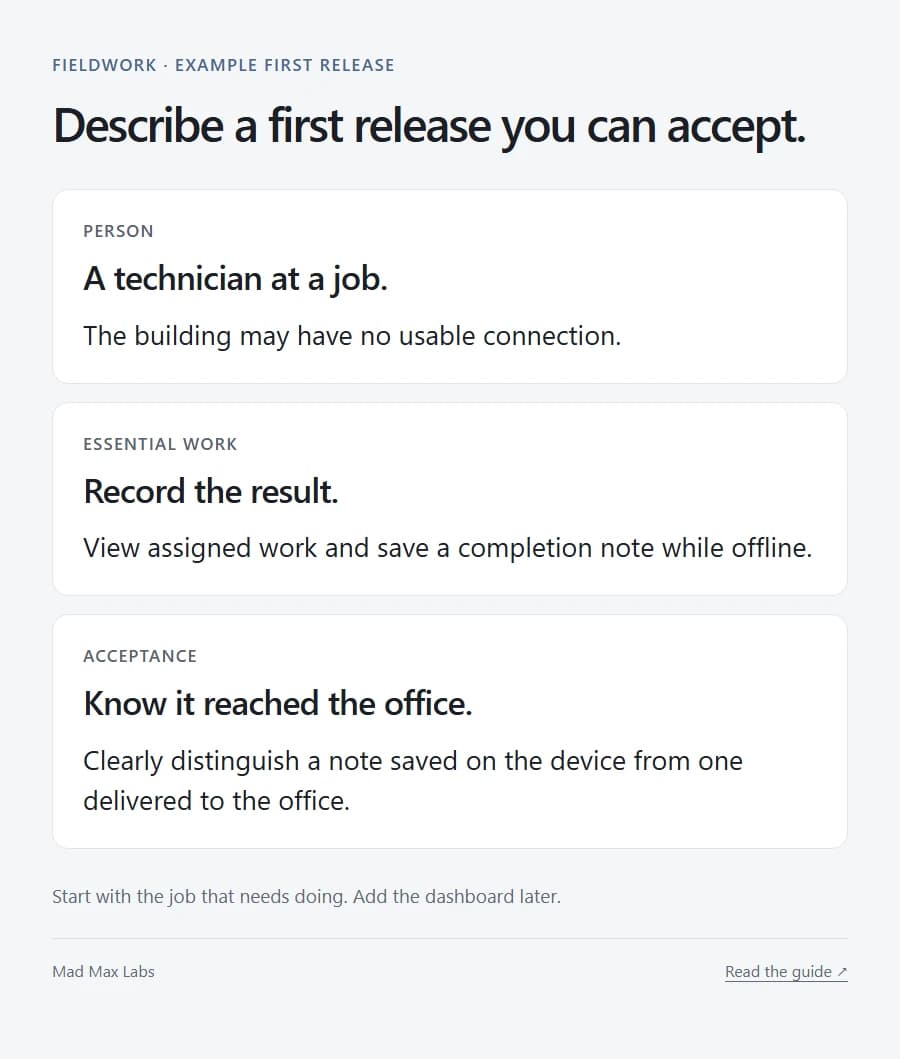
Show that journey working on the devices people will carry. Distinguish “saved here” from “delivered there.” A green tick that leaves both interpretations open will eventually create a phone call nobody wanted.
The dashboard with twelve charts can wait.
Agree how you will accept the release, who will maintain it and what comes later. If the first version removes the recurring problem, you have something useful to build on.
If an existing product does all that already, buy it. Custom software should have a better reason to exist than your frustration with a spreadsheet on a bad Thursday.